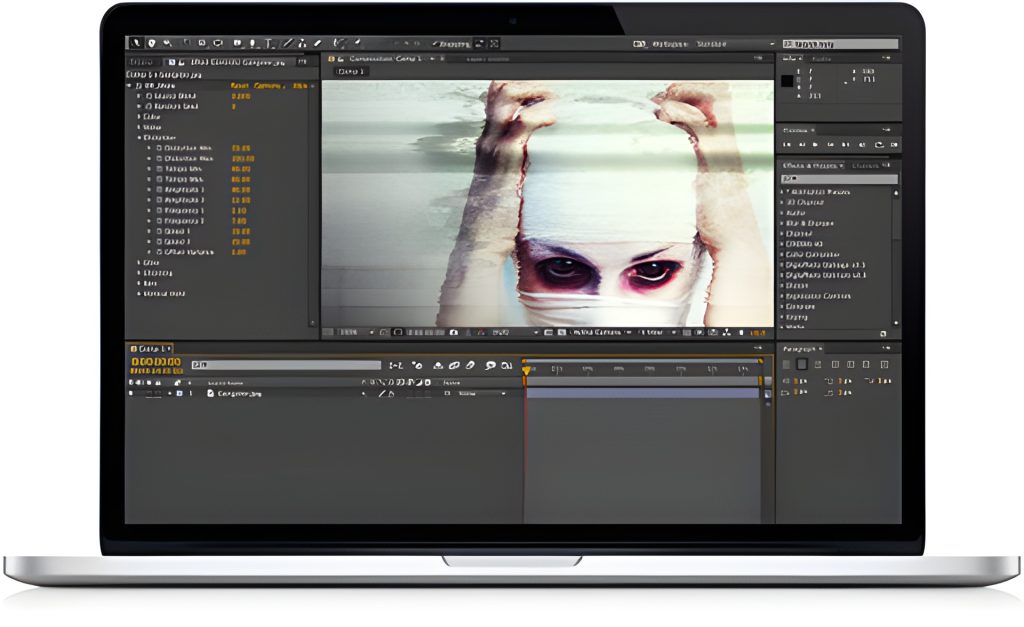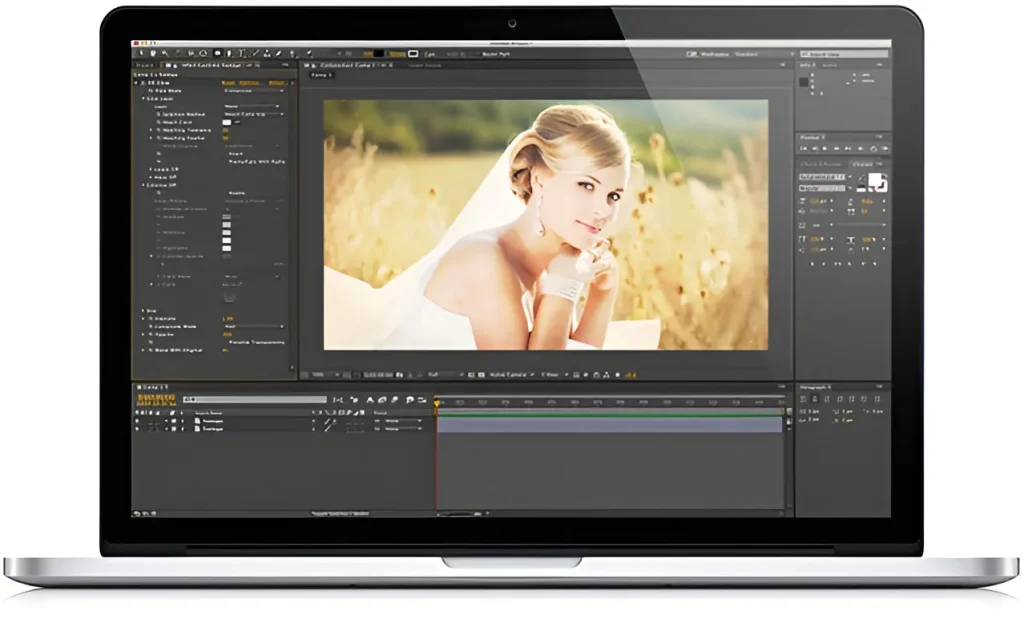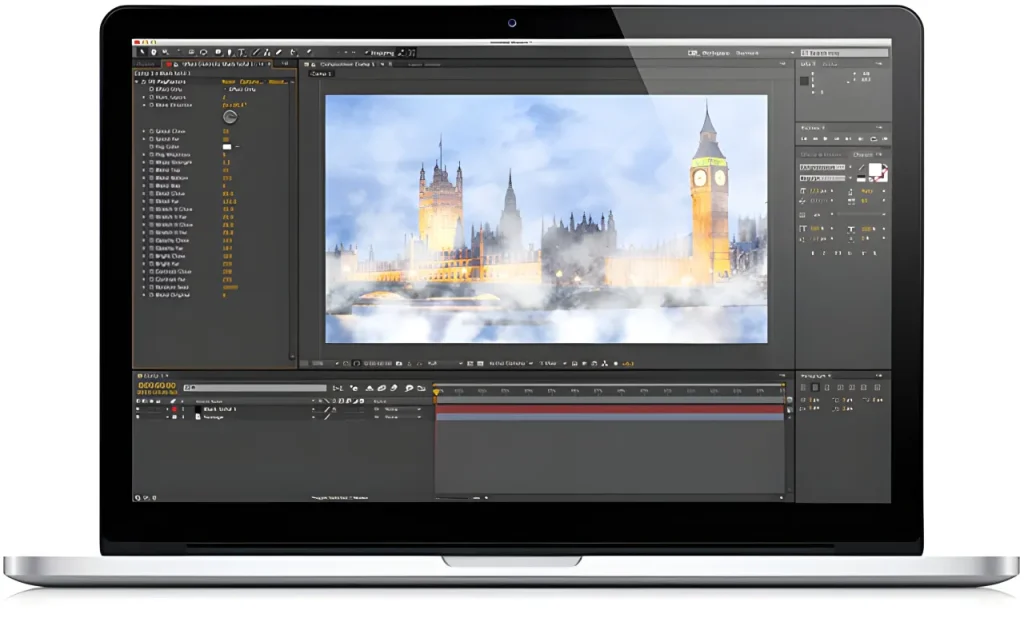
Digieffects Phenomena was the industry-standard procedural particle and natural force simulation suite for desktop visual effects tools. Built for editors and compositors working in Adobe After Effects, Premiere Pro, and Final Cut Pro, Phenomena allowed artists to generate custom atmospheric elements—such as realistic fire, dense smoke, electric arcs, fog, rain, and snow—directly within their timeline without relying on pre-rendered stock footage overlays.
While hardware performance and particle engines have evolved in modern NLEs, understanding the procedural mechanics behind the Phenomena engine provides essential insights for creators building custom environmental effects in tools like After Effects, DaVinci Resolve, and Blender today.
⚡ Quick Takeaways: Digieffects Phenomena
- Primary Function: Procedural simulation of natural forces, weather conditions, atmospheric particles, and energy discharges.
- Core Capabilities: 11 visual engines including Fire, Smoke, Sparks, Fog, Electricity, Rain, Snowstorm, Stars, and Stargate.
- Key Advantage: Resolution-independent generation with direct control over particle velocity, wind direction, turbulence, gravity, and color decay.
- Modern Native Equivalent: Adobe After Effects Particular / CC Particle World, DaVinci Resolve Fusion Particles, and GPU-accelerated volumetric engines.
Technical Breakdown: The Natural Force Generators
Unlike simple video overlays with black backgrounds, Digieffects Phenomena generated dynamic particles mathematically based on user-defined camera positions, emitter coordinates, and physics fields.
                    ┌─────────────────────────────────────────┐
                    │      DIGIEFFECTS PHENOMENA SUITE        │
                    └────────────────────┬────────────────────┘
                                         │
        ┌────────────────────────────────┼────────────────────────────────┐
        │                                │                                │
┌───────┴────────┐              ┌────────┴────────┐              ┌────────┴────────┐
│  Thermal & Fire │              │  Weather & Air  │              │ Energy & Cosmic │
├────────────────┤              ├────────────────┤              ├────────────────┤
│ • Fire         │              │ • Fog Factory  │              │ • Electricity   │
│ • Smoke        │              │ • Snowstorm    │              │ • Stars         │
│ • Sparks       │              │ • Rain         │              │ • Stargate      │
└────────────────┘              └────────────────┘              └────────────────┘
1. Fire Generator

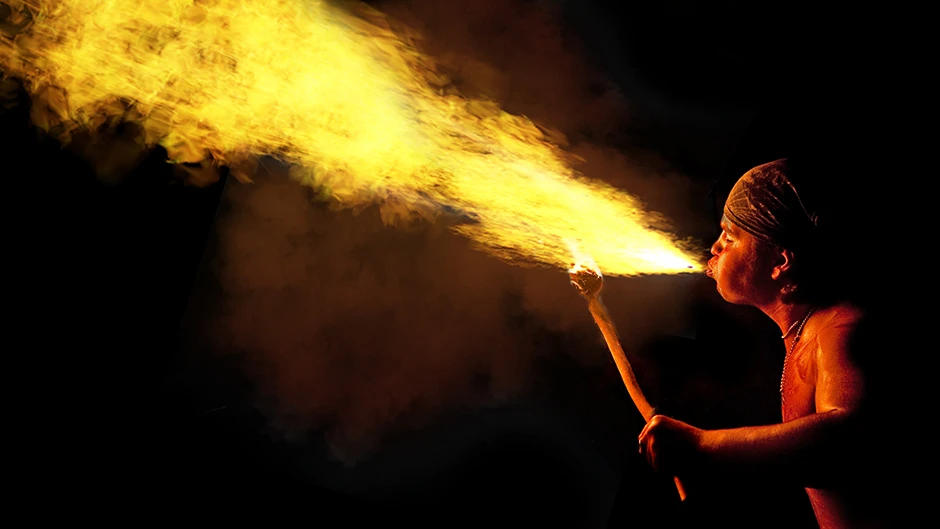
- Effect Profile: Simulates realistic combustion, flickering flames, and roaring fires.
- Physics Engine: Utilizes upward thermal buoyancy controls, turbulent wind vectors, and customizable fuel-to-oxygen burn rates.
- Key Application: Adding localized fire to background props, torch fires, or building explosion embers.
2. Smoke Simulator
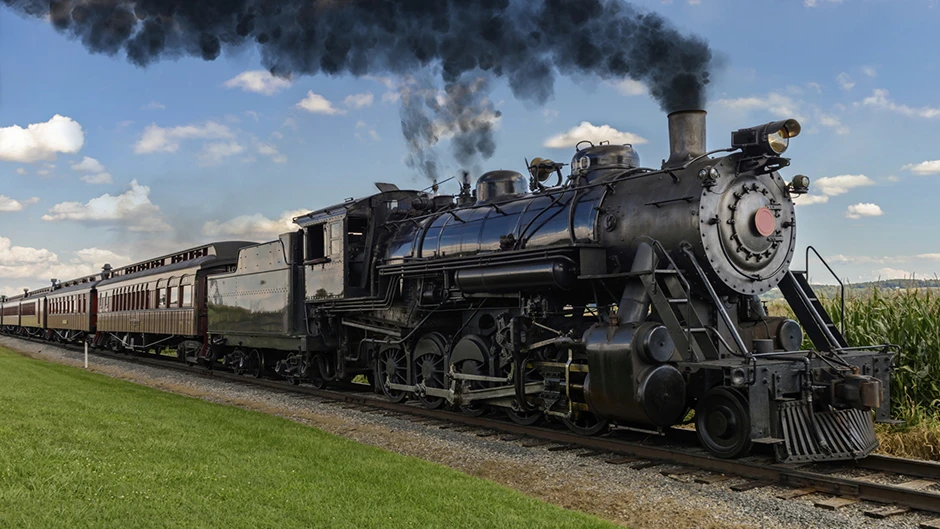
- Effect Profile: Generates volumetric smoke plumes, exhaust trails, and rising haze.
- Physics Engine: Features expansion rate controls, opacity decay over distance, and dissipation controls to simulate both thin cigarette wisps and heavy industrial smoke stacks.
3. Sparks & Embers
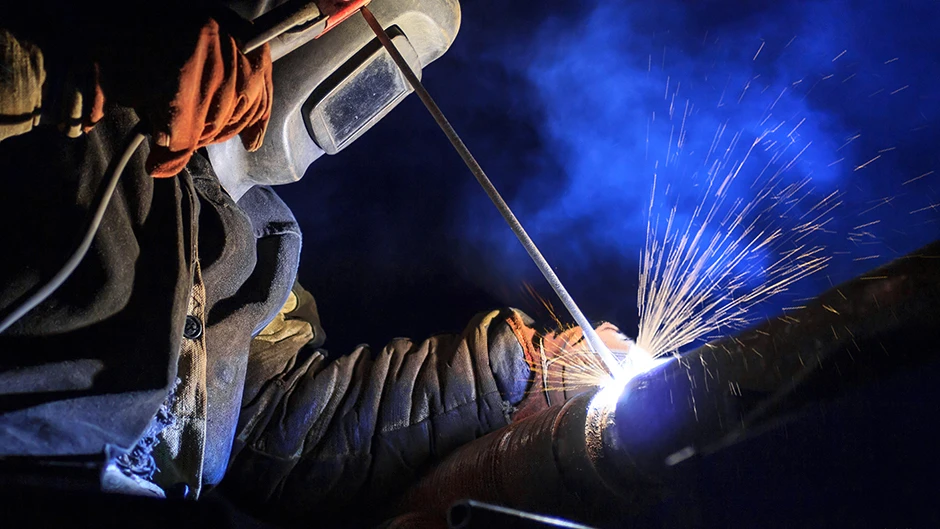
- Effect Profile: Emits high-velocity glowing particles that bounce and decay.
- Physics Engine: Incorporates gravity pull, air resistance drag, and ground-plane collision logic, causing embers to scatter realistically upon landing.
4. Fog Factory & Atmospheric Haze
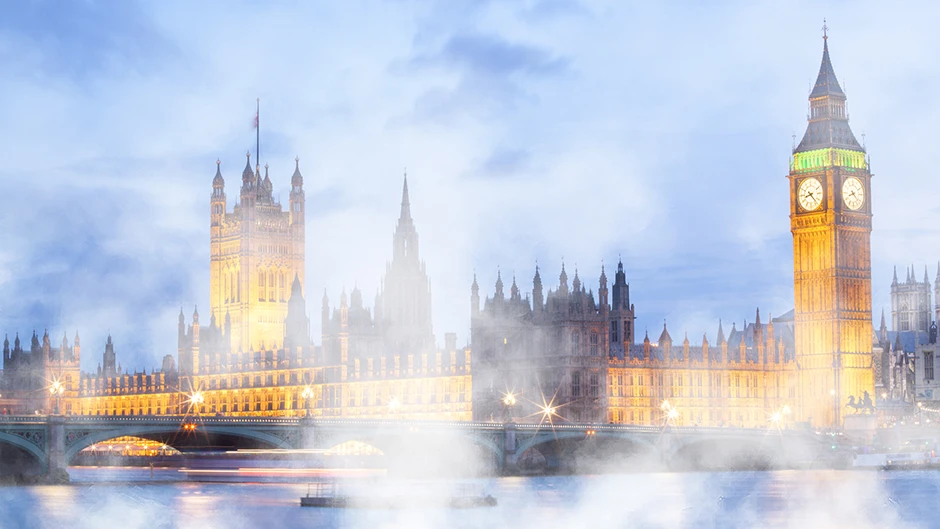
- Effect Profile: Creates layered, procedural ground fog, mist, and volumetric depth.
- Physics Engine: Applies 3D noise fractal algorithms to simulate shifting air currents and soft light-absorption across z-depth layers.
5. Electricity & Lightning
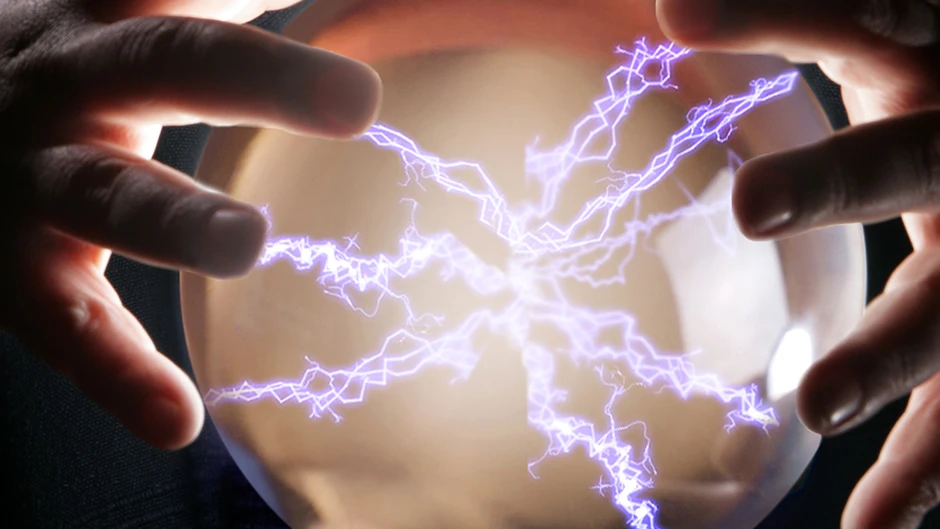
- Effect Profile: Generates procedural electrical arcs, Tesla coil discharges, and lightning bolts.
- Physics Engine: Uses randomized fractal branching, amplitude jitter, and dynamic glow intensity parameters to create unpredictable energy paths between two target points.
6. Weather Generators (Rain & Snowstorm)

- Effect Profile: Simulates directional precipitation from light drizzles to heavy blizzards.
- Physics Engine: Direct control over particle count, terminal velocity fall speed, wind shear angles, camera-depth blur, and splash interactions.
7. Cosmic Engines (Stars & Stargate)
- Effect Profile: Generates deep-space starfields, hyper-drive warp trails, and radiant light tunnels.
- Physics Engine: 3D camera-aware particle speed vectors allowing realistic parallax movement as camera angles shift.
Procedural Simulation vs. Stock Footage: Why Phenomena Excelled
During the peak of desktop post-production, editors faced a choice between procedural plugins (Phenomena) and pre-rendered video overlays.
| Feature Category | Procedural Phenomena Engine | Pre-Rendered Stock Footage |
| Resolution Scale | Resolution-independent (Scales infinitely to 4K/8K without pixelation) | Fixed video resolution (e.g., restricted to 1080p or 4K) |
| Alpha Transparency | Native mathematically-generated alpha channels | Requires screen/add blend modes or keying out black backgrounds |
| Camera Integration | Responds directly to 3D composition camera moves | Flat 2D layer; requires manual tracking and corner pinning |
| Physics Control | Customizable wind, gravity, lifetime, and color curves | Fixed motion baked directly into the video file |
How to Recreate “Phenomena” Effects in Modern Post-Production Software
If you are looking to replicate the classic natural element generation of Digieffects Phenomena in modern editing software, use these native techniques:
Recreating Fire & Embers in Adobe After Effects
- Emitter Setup: Create a Solid layer and apply CC Particle Systems II or CC Particle World.
- Particle Physics: Set the particle type to Faded Sphere or TriPolygon, set direction to Directional, and adjust Gravity to a negative value so particles float upward.
- Color Gradient: Assign a birth color of bright yellow, a death color of deep red/orange, and add a subtle Turbulent Displace effect to simulate heat distortion around the fire boundaries.
Recreating Atmospheric Fog in DaVinci Resolve (Fusion)
- In the Fusion Page, create a FastNoise node.
- Adjust the Detail, Contrast, and Seethe Rate parameters to give the noise smooth, evolving liquid motion.
- Pipe the noise through a ColorCorrector node to soften the blacks, and merge it over your main footage with a 3D Depth Map node to mask fog behind foreground subjects.
Frequently Asked Questions
What was included in the Digieffects Phenomena suite?
Digieffects Phenomena included procedural simulation tools for fire, smoke, sparks, fog, electricity, rain, snowstorms, stars, and stargate light tunnels.
Is Digieffects Phenomena still supported in modern AE or Premiere CS6 / CC?
The original legacy plugin suite was a 32-bit/64-bit plugin designed for older versions of Adobe CS and Final Cut Pro. While legacy builds operate on legacy machines, modern compositors use native particle systems (such as AE CC Particle World) or GPU particle engines in DaVinci Resolve Fusion to achieve similar results.
What made procedural particle generators better than stock overlays?
Procedural generators allow full control over physics (gravity, wind, speed, particle lifetime), infinity scale without resolution loss, and native 3D camera tracking support within the host application.