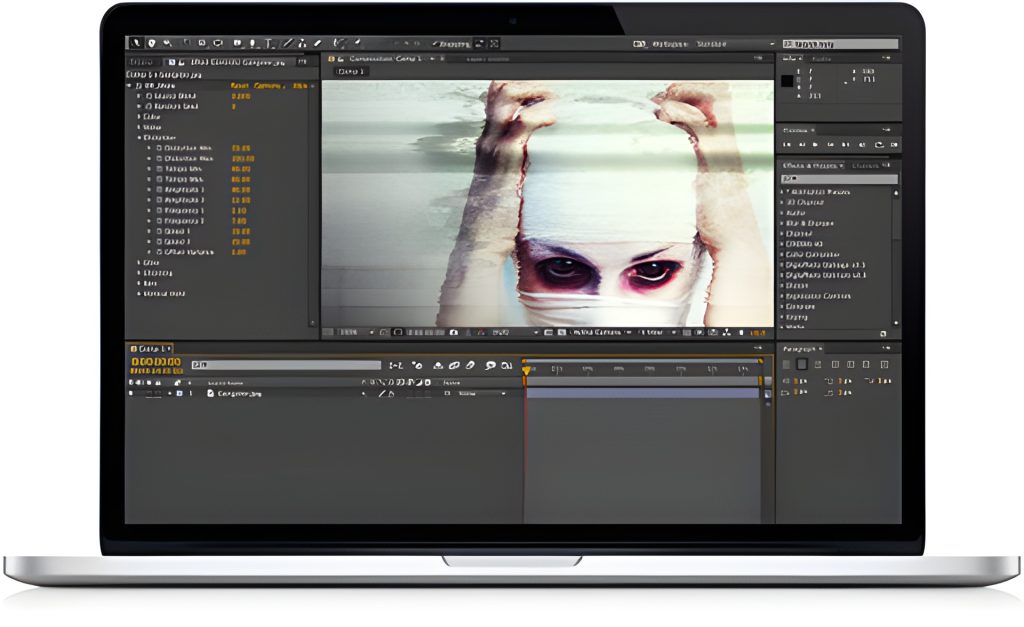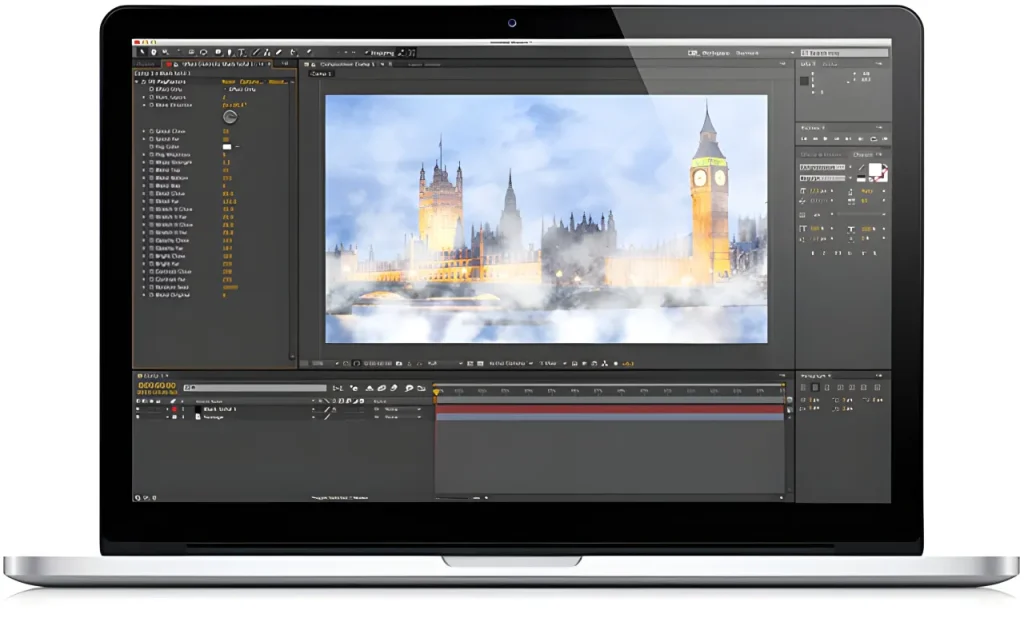
DigiEffects Suite 3.0.2 was a collection of visual-effects plug-ins for Adobe After Effects and Adobe Premiere Pro. The suite grouped four effect families—Aura, Damage, Phenomena and Tweak—into one package aimed at motion designers, editors and compositors who needed stylized video effects without building every look from scratch.
The suite was associated with the Adobe CS6 and Creative Cloud era, so it should be treated as a legacy product. Compatibility with current versions of After Effects and Premiere Pro is not guaranteed and should be independently verified before attempting any installation.
What Was Included in DigiEffects Suite 3.0.2?
DigiEffects Suite 3.0.2 included 41 visual-effects tools across four main collections:
- Aura
- Damage
- Phenomena
- Tweak
Together, these tools covered image enhancement, light effects, natural phenomena, stylized distortion, damaged-video looks, color treatment and abstract motion graphics.
The suite was useful for projects such as music videos, broadcast graphics, title sequences, trailers, social content, horror effects, science-fiction visuals and experimental motion design.
The Four DigiEffects Collections
| Collection | Main purpose | Example creative uses |
|---|---|---|
| Aura | Light, glow and stylized image treatments | Glows, radiance, light effects and graphic styling |
| Damage | Video degradation and signal distortion | Analog interference, glitches, artifacts, old-film looks |
| Phenomena | Natural and particle-style visual effects | Rain, snow, smoke, fire, fog, sparks and lightning |
| Tweak | Image processing, stylization and finishing tools | Color treatments, patterns, distortion and graphic effects |
Damage: Digital Glitches and Video Destruction
Damage was one of the best-known sections of the DigiEffects collection. It focused on deliberately degraded video styles, including low-fidelity footage, interference, instability and damaged-signal effects.
The suite’s Damage tools were associated with effects such as:
- Artifact
- Blockade
- Destabilize
- Interference
- Overexpose
- Skew
- Wave Displace
- Channel Offset
- Aged Film
These effects could be used to simulate broken television signals, digital compression problems, analog noise, corrupted footage, distorted broadcast transmission and stylized VHS-inspired visuals.
Damage was particularly suitable for horror trailers, cyberpunk visuals, music videos, surveillance-camera treatments, retro media effects and glitch transitions.
Phenomena: Weather, Fire and Atmospheric Effects
Phenomena was the natural-effects section of DigiEffects Suite. It gave editors and motion designers a way to add atmospheric details and particle-like effects to a scene.
Historical descriptions of the suite associate Phenomena with tools for:
- Fire
- Smoke
- Rainfall
- Snowstorm
- Fog
- Electrical arcs
- Fairy dust
- Bubbles
- Fireworks
- Muzzle flashes
- Sparks
These types of effects can add scale, atmosphere and visual storytelling to ordinary footage. Rain can make a scene feel dramatic, fog can create depth, sparks can add energy, and smoke can help blend elements into a composited scene.
For modern projects, natural effects work best when they match the scene’s lighting, camera movement, perspective and depth. A simple overlay is rarely enough; realistic compositing also requires careful opacity, color correction, motion blur and masking.
Aura: Light and Stylized Visual Effects
Aura focused on visual styling, light treatments and graphic effects. It was designed for artists who wanted to create more expressive imagery, including glowing elements, color-driven visuals and enhanced highlights.
Light-based effects can be used to make titles stand out, create an energetic music-video look, emphasize a product, enhance a fantasy scene or add visual depth to a motion-graphics composition.
A good light effect should support the main subject rather than cover the entire frame. Use it to guide attention toward important text, a logo, a person or a product.
Tweak: Image Processing and Creative Finishing
Tweak contained tools for modifying the look, texture and structure of an image. It was intended for creative finishing and stylized image processing.
The historical suite description lists effects including:
- Hyper Harmonizer
- Newsprint
- Crazy Stripes
- Crystallizer
- Visual Harmonizer
- VanGoughist
- Stargate
- Nexus
- Schematic Grids
- Perspectron
These types of tools were useful for turning clean footage into something more graphic, abstract, illustrated or experimental.
For example, a newsprint-style treatment can give footage a printed-media appearance, while grid and pattern effects can create technical interface visuals, title backgrounds or graphic transitions.
Who Was DigiEffects Suite Made For?
DigiEffects Suite was aimed at creative professionals who worked with video, motion graphics and post-production.
Potential users included:
- After Effects artists
- Premiere Pro editors
- Motion designers
- Video producers
- Broadcast designers
- Music-video editors
- Trailer editors
- Social-media content creators
- Visual-effects artists
- Creative agencies
The suite was especially useful for people who wanted a broad collection of effects instead of purchasing individual plug-ins for each type of visual style.
Using Legacy Plug-ins Safely
DigiEffects Suite 3.0.2 dates from an earlier generation of Adobe applications. Historical compatibility information references Adobe Premiere Pro and After Effects CS6 and Creative Cloud-era releases, with some DigiEffects products also described as supporting Final Cut Pro X and Motion versions of that period.
Before using any old plug-in, consider the following:
- Confirm that you have a legitimate license and authorized installer.
- Check whether the plug-in supports your operating system.
- Verify whether your version of After Effects or Premiere Pro can load it.
- Test it in a duplicate project before using it in paid client work.
- Back up your project files before installing legacy software.
- Avoid downloading unofficial repacks, cracked installers or unknown files.
- Check whether the original rights holder provides current licensing, documentation or support.
Older plug-ins may fail to load, cause instability, lack support for modern rendering workflows or be incompatible with current operating systems.
Modern Alternatives
If DigiEffects Suite 3.0.2 is not compatible with your current workflow, you can still recreate many of its creative approaches with modern plug-ins and native Adobe tools.
For digital damage and glitches, combine displacement, channel offsets, noise, posterization, mosaic effects, time displacement and animated masks.
For rain, snow, fog and smoke, use particle systems, compositing assets, procedural noise, tracked footage and carefully graded stock elements.
For light treatments and graphic effects, experiment with glow, blur, blending modes, animated gradients, fractal noise, light streaks and shape layers.
For image stylization, combine posterize, color correction, halftone patterns, edge treatments, blur, grain, displacement and texture overlays.
The important principle is not the plug-in name. It is understanding the visual language behind the effect and learning how to control it.

Frequently Asked Questions
What is DigiEffects Suite 3.0.2?
DigiEffects Suite 3.0.2 was a legacy collection of visual-effects plug-ins for Adobe After Effects and Adobe Premiere Pro. It grouped Aura, Damage, Phenomena and Tweak into a larger package of 41 effects tools.
What effects were included in DigiEffects Suite?
The suite included tools for visual distortion, damaged-video effects, weather and natural phenomena, light treatments, stylized image processing and motion-graphics finishing.
Did DigiEffects Suite work with Adobe Premiere Pro?
Historical product descriptions state that the suite was designed for Adobe Premiere Pro and Adobe After Effects versions from the CS6 and Creative Cloud era. Current compatibility should not be assumed.
Is DigiEffects Suite 3.0.2 compatible with current After Effects?
There is no reason to assume that a legacy plug-in from the CS6/early Creative Cloud period will work with current Adobe software. Test only with a legitimate installer and a non-critical project, and consult the relevant rights holder or official documentation where available.
Can I download DigiEffects Suite 3.0.2 for free?
Only download software from an authorized source and only when you have the right to use it. Avoid unofficial copies, modified installers, serial-number sites and repackaged downloads because they may infringe copyright or contain security risks.
Final Thoughts
DigiEffects Suite 3.0.2 brought together several recognizable visual-effects categories in one package: stylized light effects, natural phenomena, image processing and deliberate video damage. Its tools reflected a period when creators used plug-in suites to quickly produce broadcast-ready effects, atmospheric composites and graphic motion treatments.
Today, the suite is best understood as a legacy collection. Its creative ideas—glitch effects, fog, fire, snow, light treatments, image distortion and stylized finishing—remain relevant, even when modern users recreate them with current tools and workflows.
Adobe, After Effects and Premiere Pro are trademarks or registered trademarks of Adobe Inc. DigiEffects is not affiliated with Adobe Inc.