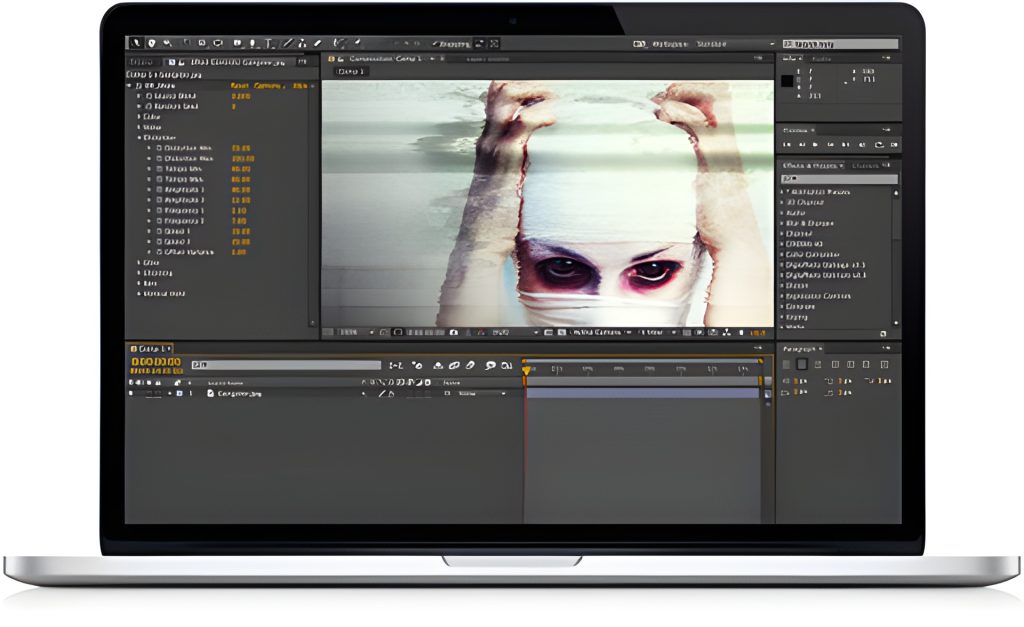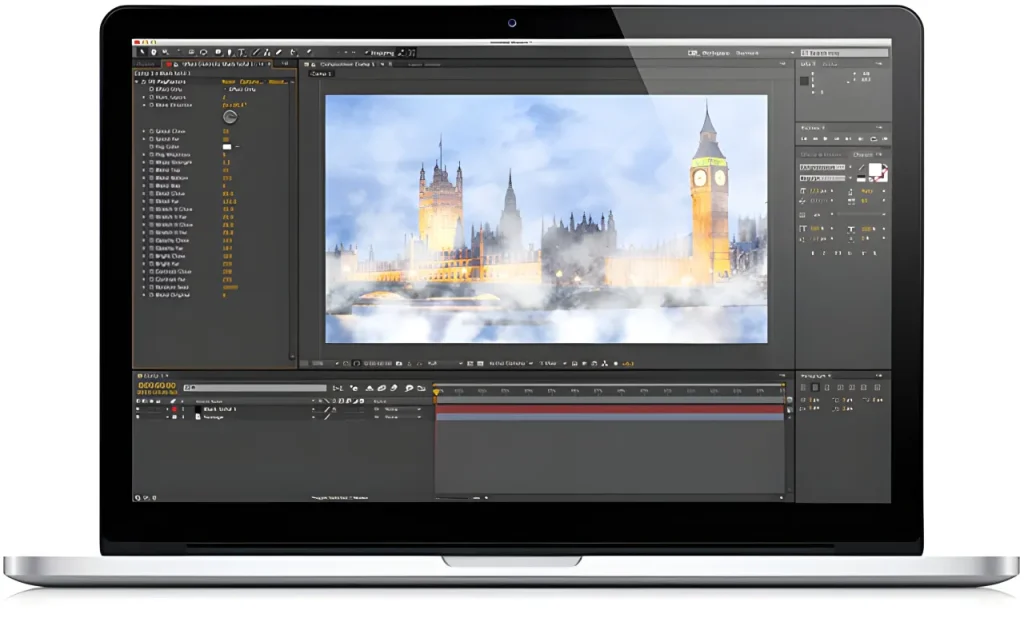
Digieffects Buena Depth Cue v2 was a groundbreaking visual effects suite built to bridge the gap between 2D compositing and full 3D environments in Adobe After Effects. Dubbed the “Complete 2.5D Suite,” Buena Depth Cue solved the frustrating laws of physics in flat compositing timelines by providing 6 intuitive plugins designed to manipulate depth perception, realistic light falloff, focal range, camera projection, and atmospheric haze.
Rather than forcing motion graphics artists into complex, expensive 3D software to achieve realistic depth cues, Buena Depth Cue allowed editors to isolate Z-depth planes, project 2D photos onto 3D geometry, and simulate natural optical camera mechanics directly inside After Effects with minimal render overhead.
⚡ Quick Takeaways: Buena Depth Cue v2
- Primary Function: 2.5D spatial manipulation, depth map generation, camera projection mapping, realistic depth-of-field, and atmospheric distance haze.
- The 6 Included Plugins: Camera Mapper, Depth, Falloff Lighting, Atmosphere, Rack Focus, and Flipside.
- Key Innovation: Introduced intuitive 2.5D workflow shortcuts—like seamless back-to-front layer mapping (Flipside) and native After Effects camera projection (Camera Mapper)—saving editors hours of manual setup.
- Host Compatibility: Designed for Adobe After Effects.
Technical Breakdown: The 6 Tools in Buena Depth Cue v2
                       ┌─────────────────────────────────────────┐
                       │    BUENA DEPTH CUE v2 MASTER SUITE      │
                       └────────────────────┬────────────────────┘
                                            │
        ┌───────────────────────────────────┼───────────────────────────────────┐
        │                                   │                                   │
┌───────┴────────┐                 ┌────────┴────────┐                 ┌────────┴────────┐
│ Depth & Optics │                 │ Environmental   │                 │ 3D Projection & │
│                │                 │    Lighting     │                 │ Spatial Mapping │
├────────────────┤                 ├────────────────┤                 ├────────────────┤
│ • Depth        │                 │ • Falloff       │                 │ • Camera        │
│ • Rack Focus   │                 │   Lighting      │                 │   Mapper        │
│                │                 │ • Atmosphere    │                 │ • Flipside      │
└────────────────┘                 └────────────────┘                 └────────────────┘
1. Camera Mapper (3D Camera Projection)
- Function: Projects 2D photographs or video clips onto 3D geometry planes directly within After Effects.
- How It Works: Replicates the high-end 3D projection workflows found in nodal compositing software (like Nuke). Editors can map parts of a flat 2D image onto simple 3D solid planes, creating believable parallax environments for virtual camera fly-throughs without leaving After Effects.
2. Depth (Depth Map & Z-Channel Engine)
- Function: Generates grayscale Z-depth maps to drive distance-based effects.
- How It Works: Creates an “alpha channel for focus.” By converting 2.5D spatial placement into a grayscale layer, artists can control how other blur, color, or stylization effects apply across different distance planes. Features a Precomposite Depth mode to enable extended camera movement and wide viewing angles.
3. Falloff Lighting (Realistic Photometric Shadows)
- Function: Simulates real-world inverse-square light drop-off over distance.
- How It Works: Controls how light decays across 2.5D layers. By preventing lights from illuminating background elements that should logically remain in shadow, Falloff Lighting creates believable, natural contrast without casting unwanted secondary shadows.
4. Atmosphere (Volumetric Distance Fog)
- Function: Fades layers into environmental haze based on their position along the Z-axis.
- How It Works: Simulates particulate air matter over distance. As 2D elements or ground planes stretch deeper into Z-space, Atmosphere uniformly applies customizable fog or mist density, offering viewers a subtle, realistic visual distance cue beyond simple scale adjustments.
5. Rack Focus (Intuitive Depth-of-Field)
- Function: Cinematographic focus puller and depth-of-field controller.
- How It Works: Allows editors to quickly lock focus to specific target Z-distances or elements. By keeping specific focus planes sharp while blurring the surrounding space, editors can guide the viewer’s eye or define the reading order of motion typography in seconds.
6. Flipside (Two-Sided Layer Mapping)
- Function: Maps a secondary layer directly onto the back face of a 2D layer rotated in 3D space.
- How It Works: Solves the classic 2.5D clipping/occlusion problem when flipping 2D elements over. Instead of forcing artists to manually position two separate layers fractions of a pixel apart, Flipside sticks a “back layer” to the front layer with zero gap or visual artifacting.
Feature Comparison: Buena Depth Cue vs. Modern AE Workflows
| Tool Feature | Buena Depth Cue v2 Plugin | Native After Effects Equivalent |
| Camera Projection | Camera Mapper: Direct projection mapping on 3D solids. | Advanced 3D camera tracker + C4D Lite projection setup. |
| Back-Face Layering | Flipside: Seamless zero-gap back-side layer mapping. | Native 3D layer switches / manual Z-position offsets. |
| Depth Blur Control | Rack Focus: Fast, target-driven focal pulls. | Camera Lens Blur driven by a depth map layer. |
| Distance Haze | Atmosphere: Automated Z-depth environmental fog. | Manual adjustment layers using Gradient Ramp or Depth Pass. |
Frequently Asked Questions
What was Digieffects Buena Depth Cue v2 used for?
Buena Depth Cue v2 was a specialized 2.5D compositing plugin collection for Adobe After Effects that provided camera projection mapping, realistic focal-plane blurring, distance-based lighting falloff, volumetric fog, and dual-sided layer mapping.
What is the Camera Mapper plugin in Buena Depth Cue?
Camera Mapper allowed artists to take a single 2D photo or video clip and project it onto 3D solid planes in After Effects (similar to projection mapping in Nuke or 3D software), enabling virtual camera moves with realistic perspective parallax.
How does the Flipside plugin work?
Flipside mapped a designated secondary image layer onto the reverse side of a primary 3D-rotated layer in After Effects, eliminating the seam gaps and Z-buffering artifacts caused by manually stacking two thin 2D planes back-to-back.