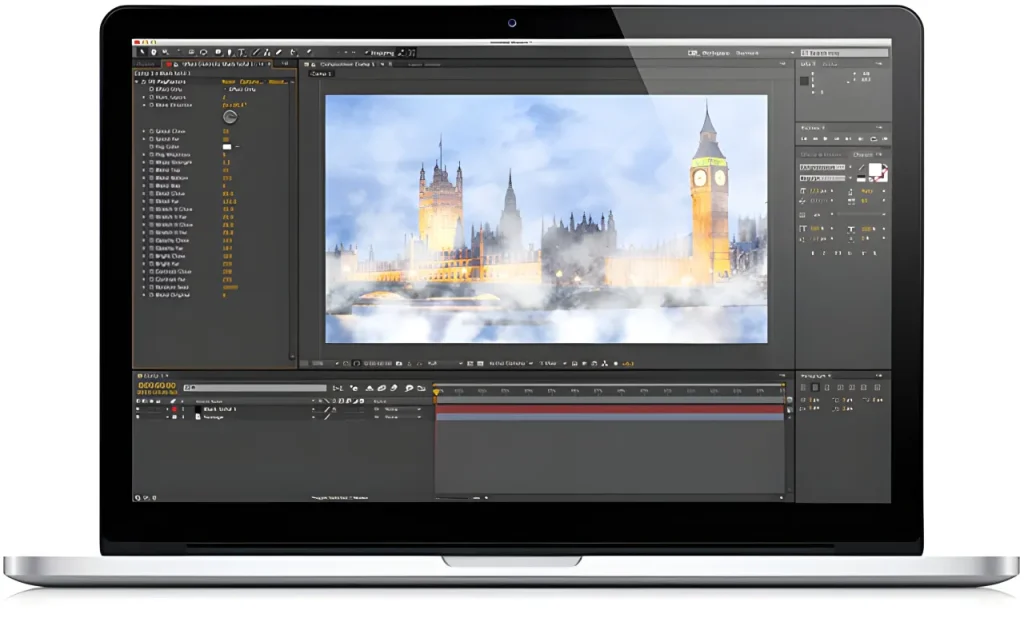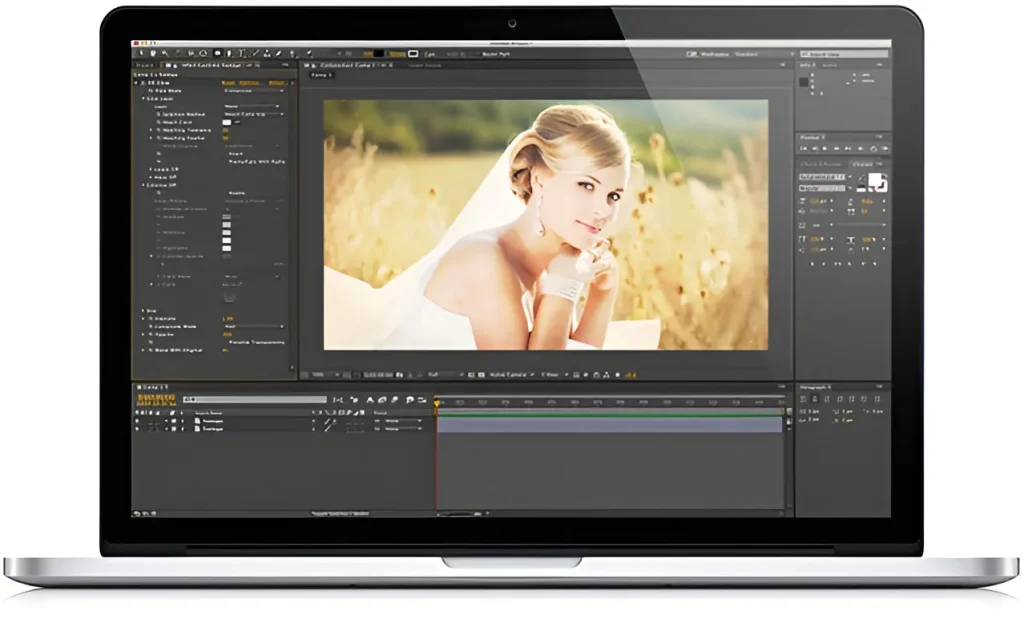
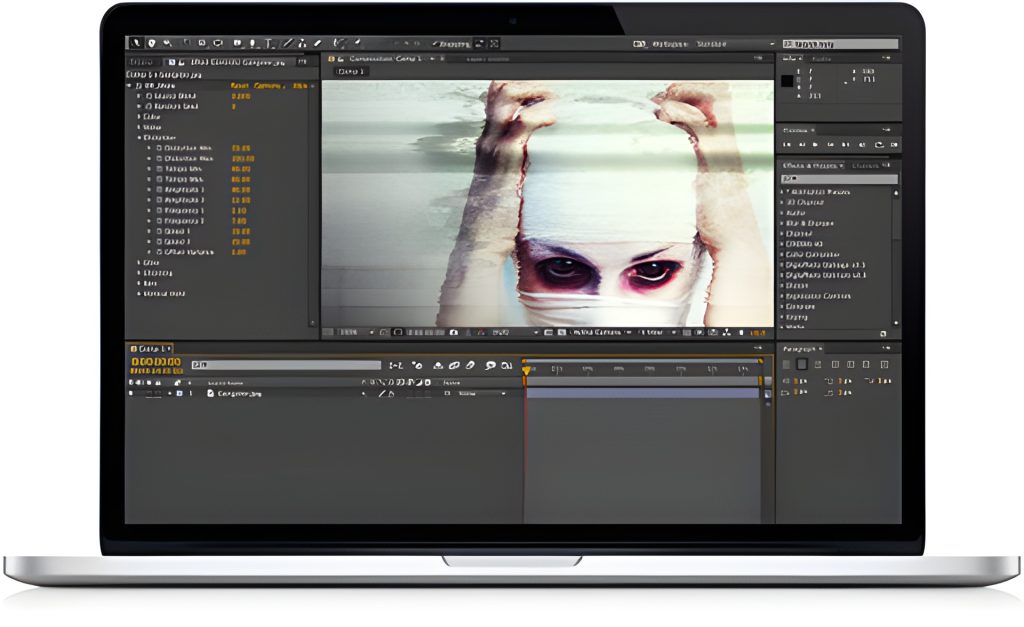
Digieffects Damage was long recognized across the post-production industry as the definitive plugin suite for simulating bad video, digital artifacting, CRT TV interference, and retro film wear. Designed for compositors, video editors, and motion graphics artists, Damage contained 9 specialized tools engineered to simulate realistic signal breakdown and visual destruction.
Although legacy Digieffects plugins were built for earlier versions of Adobe After Effects and Premiere Pro, understanding the core principles behind these tools remains crucial for modern visual effects artists recreating glitch aesthetics, VHS textures, and retro broadcast errors today.
The 9 Essential Plugins in the Damage Suite
  ┌─────────────────────────────────────────────────────────────┐
  │                 DIGIEFFECTS DAMAGE SUITE                    │
  ├──────────────────────────────┬──────────────────────────────┤
  │ Digital & Signal Distortion  │ Analog & Film Artifacts      │
  ├──────────────────────────────┼──────────────────────────────┤
  │ • Artifact                   │ • Aged Film                  │
  │ • Blockade                   │ • Interference               │
  │ • Channel Offset             │ • Overexpose                 │
  │ • Skew                       │ • Destabilize                │
  │ • Wave Displace              │                              │
  └──────────────────────────────┴──────────────────────────────┘
1. Artifact
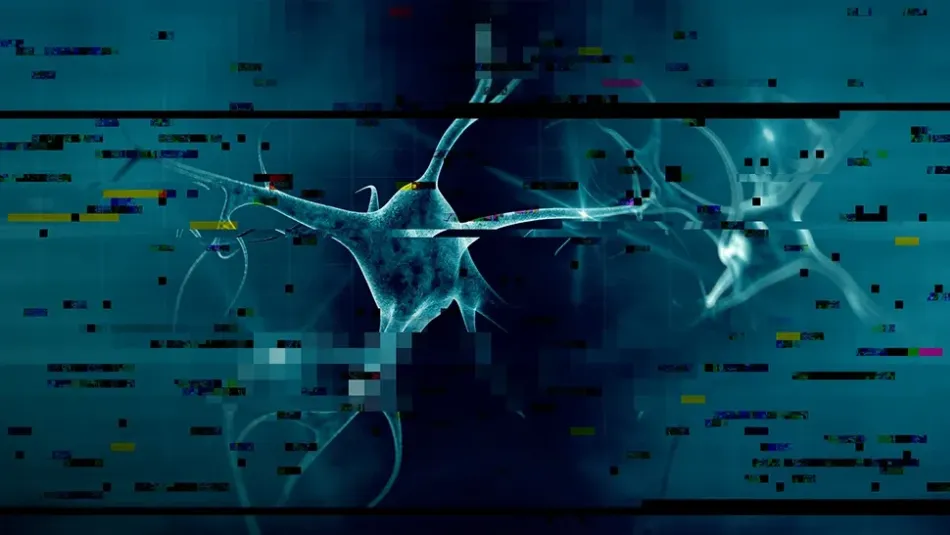
- Function: Simulates digital compression errors, missing keyframes, and stream degradation.
- How It Works: Generates macroblocking and dropped-data artifacts common in low-bitrate video streams, corrupted MP4 files, or broken broadcast feeds.
2. Blockade
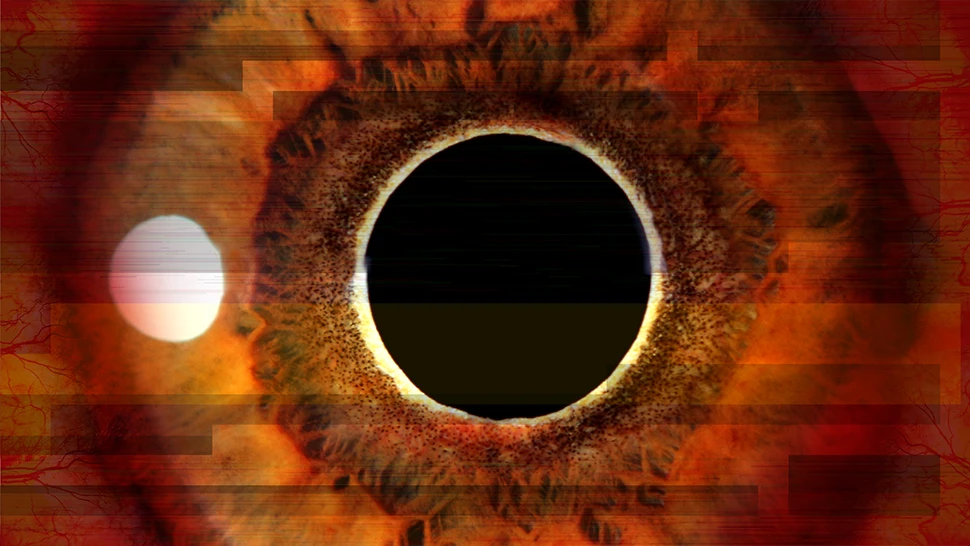
- Function: Creates heavy pixel grid compression and blocky mosaic patterns.
- How It Works: Reduces local image resolution dynamically to mirror early digital video encodings and webcam video drops.
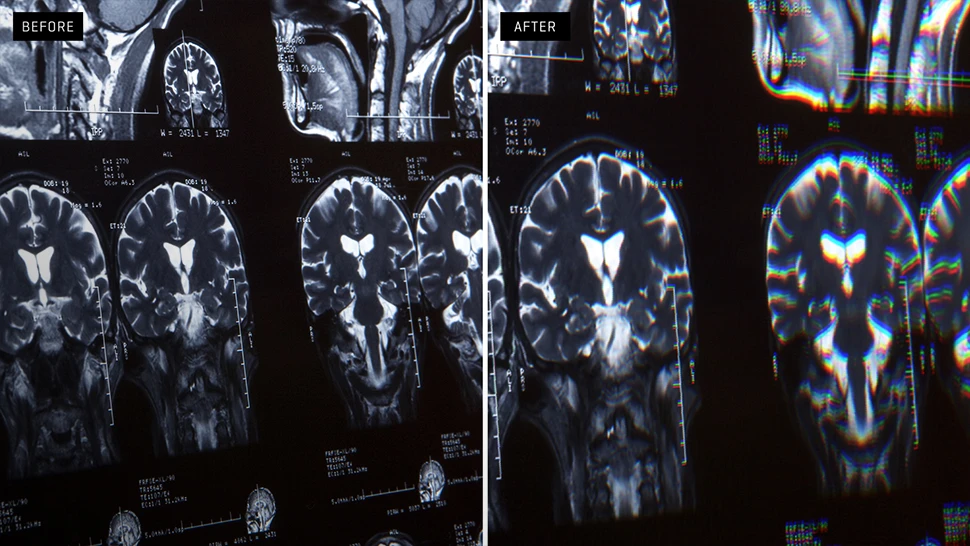
3. Channel Offset
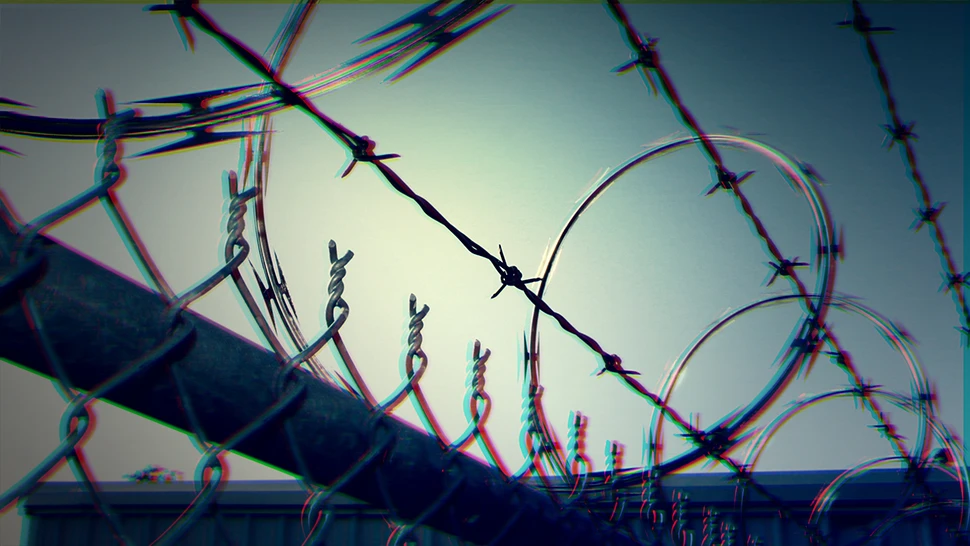
- Function: Separates RGB (Red, Green, Blue) channels along X/Y axes.
- How It Works: Produces chromatic aberration, lens dispersion, and the misaligned CRT gun look common on older analog monitors.
4. Skew
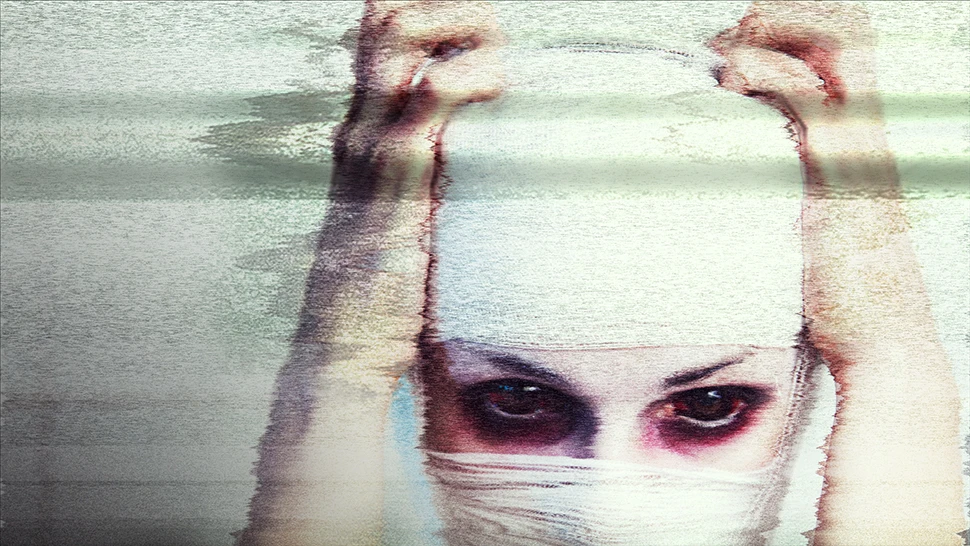
- Function: Distorts video frames horizontally and vertically along signal lines.
- How It Works: Emulates tracking errors on analog magnetic tape (VHS / Betamax) or dropped sync pulses in broadcast signals.
5. Wave Displace
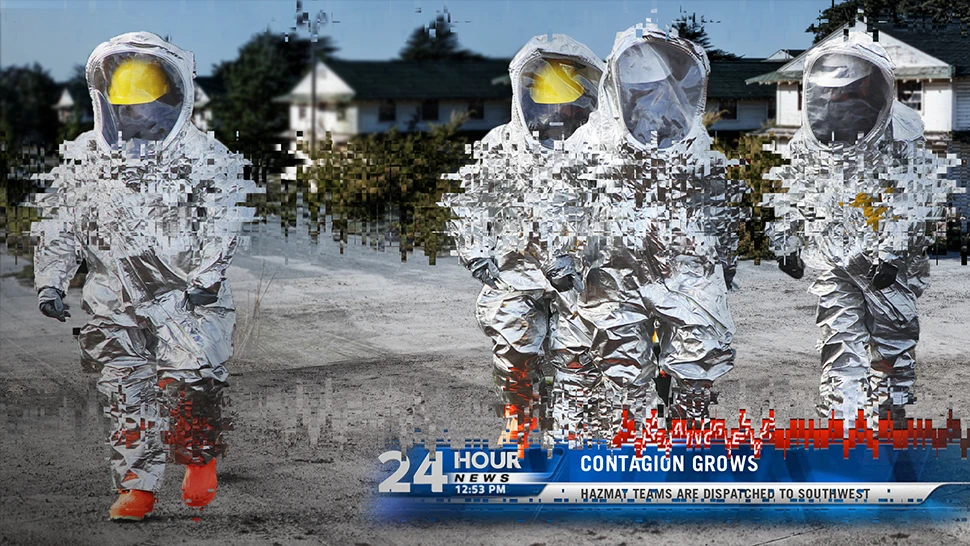
- Function: Applies horizontal or vertical wave displacement vectors across the raster image.
- How It Works: Creates rolling hum bars, line tearing, and RF signal drift across the screen.
6. Overexpose
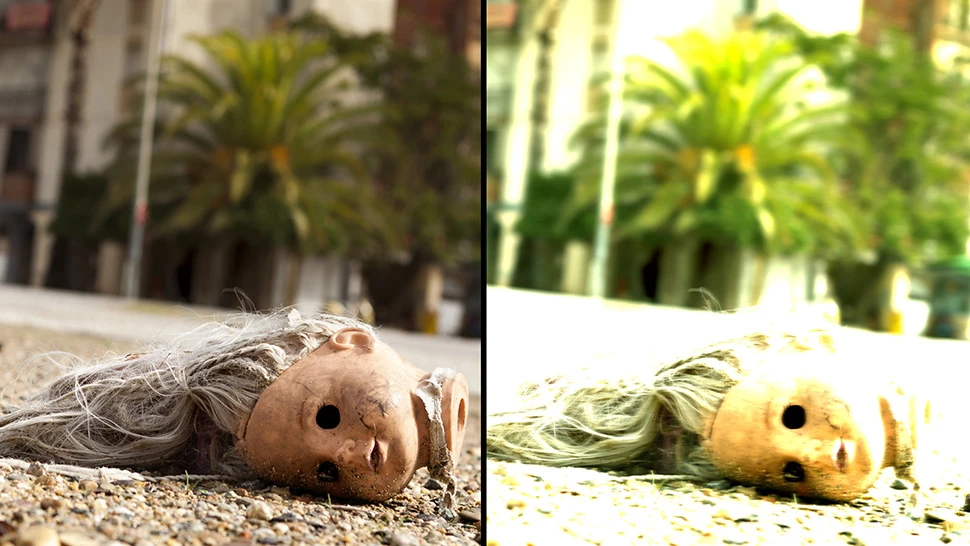
- Function: Recreates camera exposure hunting and automatic iris adjustments.
- How It Works: Simulates a consumer camcorder or older sensor attempting to adjust to rapid lighting changes.
7. Interference

- Function: Adds analog electrical noise, scanline interference, and static overlay.
- How It Works: Recreates RF static, snow, and cross-channel bleed from terrestrial television broadcasts.
8. Destabilize
- Function: Adds random frame jitter, gate weave, and handheld motion.
- How It Works: Simulates projector registration errors or un-stabilized camera movement.
9. Aged Film
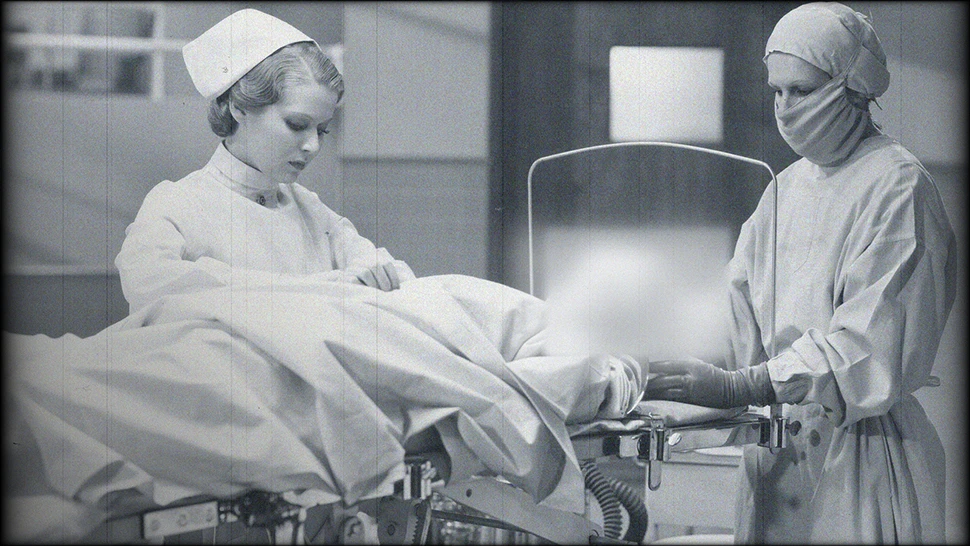
- Function: Converts clean digital video into vintage celluloid footage.
- How It Works: Applies custom film grain, dust specks, scratches, hairs, and frame-flicker to mimic 8mm, 16mm, or 35mm film stock.
Recreating the Digieffects “Damage” Look in Modern Software
If you are looking to achieve the classic Damage aesthetic in current video editing tools like Adobe After Effects, DaVinci Resolve, or Premiere Pro, you can recreate these effects natively:
- For Digital Artifacts & Glitches: Use native displacement maps combined with mosaic effects and Posterize Time to mimic dropped frame rates.
- For RGB Splits & Chromatic Aberration: Duplicate footage into three layers, set blend modes to Screen/Add, isolates single channels (R, G, B), and offset position parameters slightly.
- For CRT Scanlines: Overlay custom line patterns using blend modes like Overlay or Soft Light combined with subtle S-curve contrast adjustments.