Tutorials

Practical, step-by-step guides for video editing, 3D printing props, visual effects workflows, and software troubleshooting. Master complex techniques in After Effects, Premiere Pro, DaVinci Resolve, and maker hardware with clear, actionable walkthroughs.

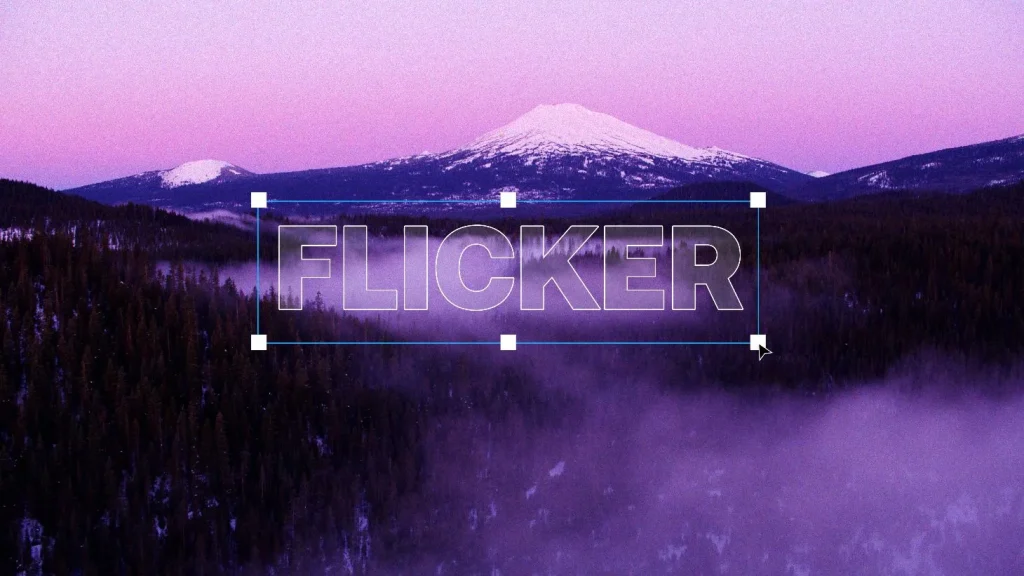
How to Create Film Flicker Without Making It Look Fake? A 2026 Guide

How to Create Film Flicker Without Making It Look Fake? A 2026 Guide

Realistic film flicker is subtle, irregular and motivated by the style of footage. Use small exposure changes, uneven timing, occasional brief dips or flashes, and avoid perfectly repeating patterns, rapid strobes or constant full-frame brightness changes.youtubereddigitalcinema Film flicker can make modern footage feel like a scanned print, a home movie, an archival reel or an […]

How to Create Film Flicker Without Making It Look Fake? A 2026 Guide Read More »
How to Make Digital Video Look Like 8mm Film: Complete Guide

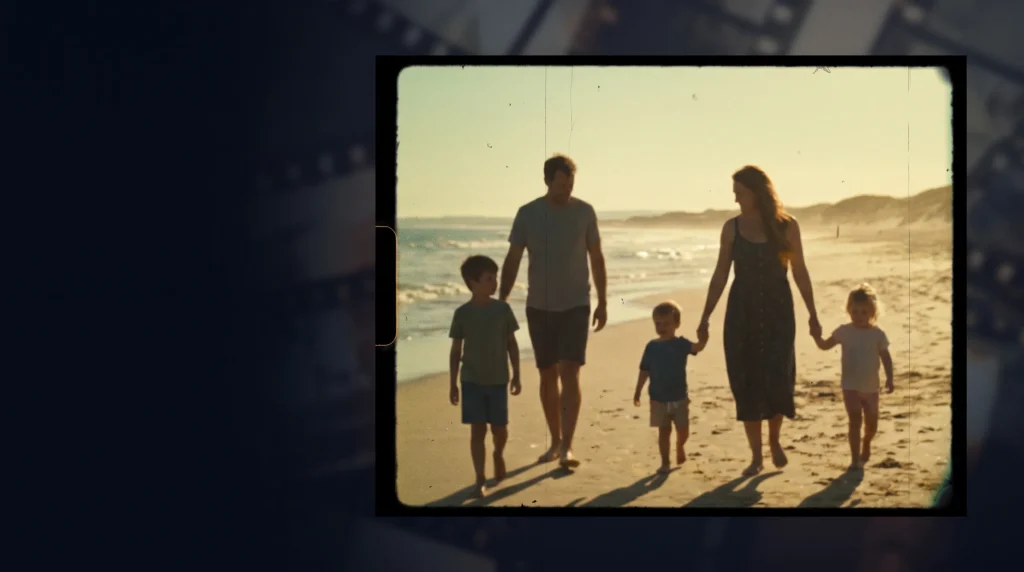
How to Make Digital Video Look Like 8mm Film: Complete Guide

Answer: To make digital video look like 8mm film, use a 4:3 frame, softer detail, strong moving grain, warm or faded color, subtle flicker, gate weave, dust and scratches. For a more authentic Super 8 feel, use lower-motion-smoothness around 12–18 fps and avoid overly stable, perfectly framed shots.[youtube][nofilmschool] The 8mm look is popular because it

How to Make Digital Video Look Like 8mm Film: Complete Guide Read More »

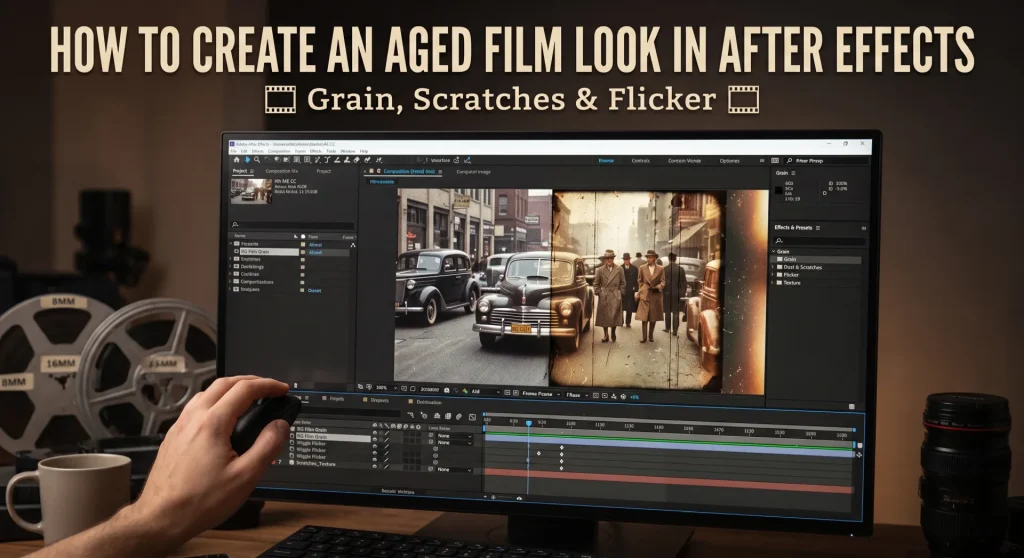
How to Create an Aged Film Look in After Effects: Grain, Scratches and Flicker

How to Create an Aged Film Look in After Effects: Grain, Scratches and Flicker

To create an aged film look in After Effects, combine faded color, moving grain, dust, scratches, flicker, subtle frame shake and reduced frame rate. Build the treatment with adjustment layers and native effects, then keep every setting restrained so the footage feels like old film rather than a heavy filter. An aged film look can

How to Create an Aged Film Look in After Effects: Grain, Scratches and Flicker Read More »

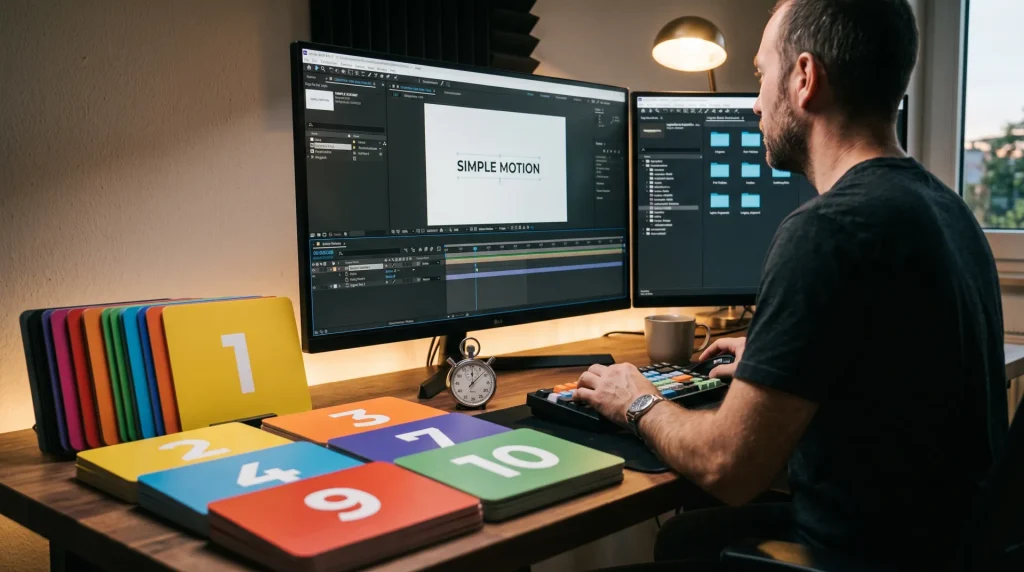
After Effects for Beginners: 10 Simple Effects You Can Make in 10 Minutes

After Effects for Beginners: 10 Simple Effects You Can Make in 10 Minutes

Quick Reference Table Effect Name Time to Build Best Use Cases Plugins Required? Glitch Text Effect 1 minute YouTube intros, TikTok captions, event promos No Cinematic Light Leak Overlay 1 minute Wedding videos, social media reels, film transitions No Cinematic Letterbox Bars 30 seconds YouTube videos, short films, cinematic B-roll No Smooth Zoom Transition 1

After Effects for Beginners: 10 Simple Effects You Can Make in 10 Minutes Read More »

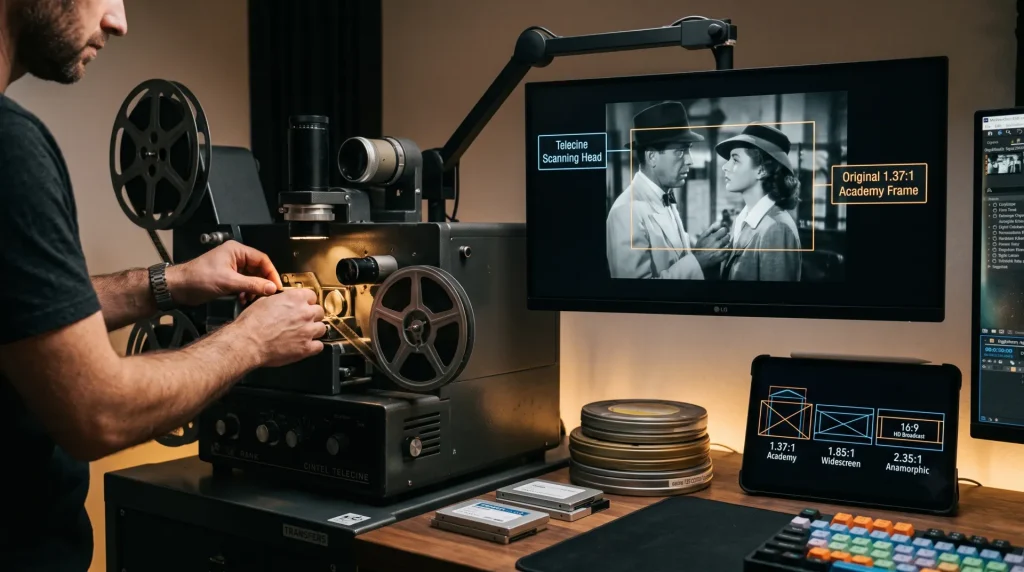
How Film Is Transferred to Video: Aspect Ratios, Telecine and Widescreen

How Film Is Transferred to Video: Aspect Ratios, Telecine and Widescreen

Originally published by Henrik “Leopold” Herranen, 1995–1998. Updated for modern readers. Answer: Film transfer changes a movie from its original film frame rate and aspect ratio into a video format for television, discs, or streaming. The main challenges are preserving the image shape, choosing between letterboxing or cropping, and converting 24 fps film for video

How Film Is Transferred to Video: Aspect Ratios, Telecine and Widescreen Read More »

Top 9 Premiere Pro Plugins to Speed Up Your Editing Workflow

Top 9 Premiere Pro Plugins to Speed Up Your Editing Workflow

The 9 best plugins for Adobe Premiere Pro in modern post-production pipelines are Neat Video (noise reduction), Mister Horse Premiere Composer (motion graphics/titles), Phantom Editor (AI rough cuts/transcription), FilmConvert Nitrate (film grain/color grading), PluralEyes / Native Sync (multi-cam audio alignment), Twixtor (optical flow slow motion), Red Giant Universe (stylized effects/transitions), Smoothify (keyframes/easing curves), and Acon

Top 9 Premiere Pro Plugins to Speed Up Your Editing Workflow Read More »

10 Best Third-Party After Effects Plugins for Motion Designers (2026)

10 Best Third-Party After Effects Plugins for Motion Designers (2026)

The best third-party After Effects plugins for professional motion designers are Overlord (vector transfer), Flow (custom curve easing), Motion 4 (workflow automation), Element 3D (real-time 3D models), Trapcode Particular (advanced particles), and Duik Ángela (character rigging). These tools bypass stock After Effects limits to speed up rendering, simplify complex keyframing, and improve visual quality. Why

10 Best Third-Party After Effects Plugins for Motion Designers (2026) Read More »

How to Adjust Shared NVIDIA GPU Memory in Windows 10 & 11 for Video Editing

How to Adjust Shared NVIDIA GPU Memory in Windows 10 & 11 for Video Editing

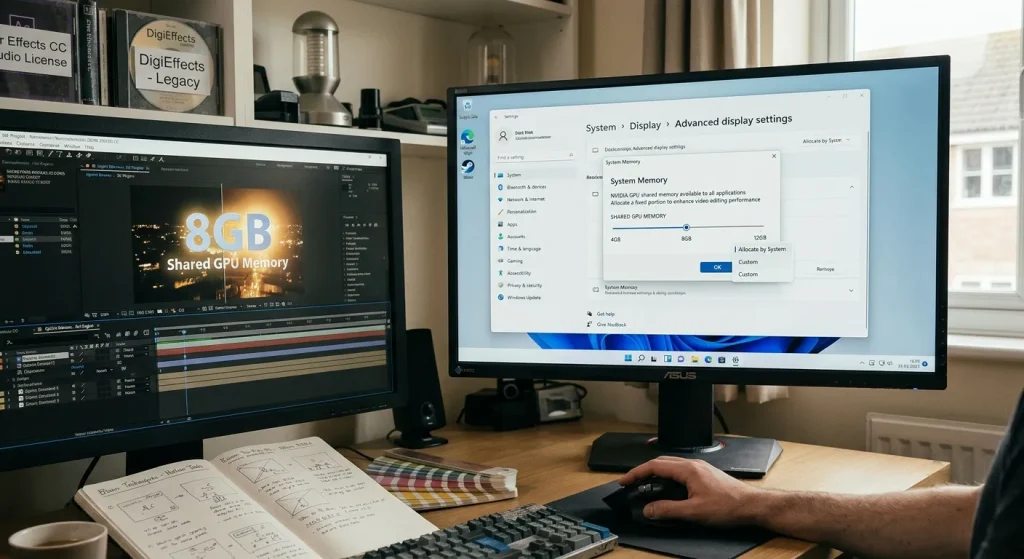
Windows automatically allocates up to 50% of your system RAM as shared GPU memory under the Windows Display Driver Model (WDDM). You cannot manually change this percentage for dedicated NVIDIA GPUs in Windows 10 or 11 settings. To increase shared GPU memory, you must install more system RAM or expand your Windows virtual paging file.

How to Adjust Shared NVIDIA GPU Memory in Windows 10 & 11 for Video Editing Read More »

Recreating Optical Light Blooms and Glows Without Legacy Plugins

Recreating Optical Light Blooms and Glows Without Legacy Plugins

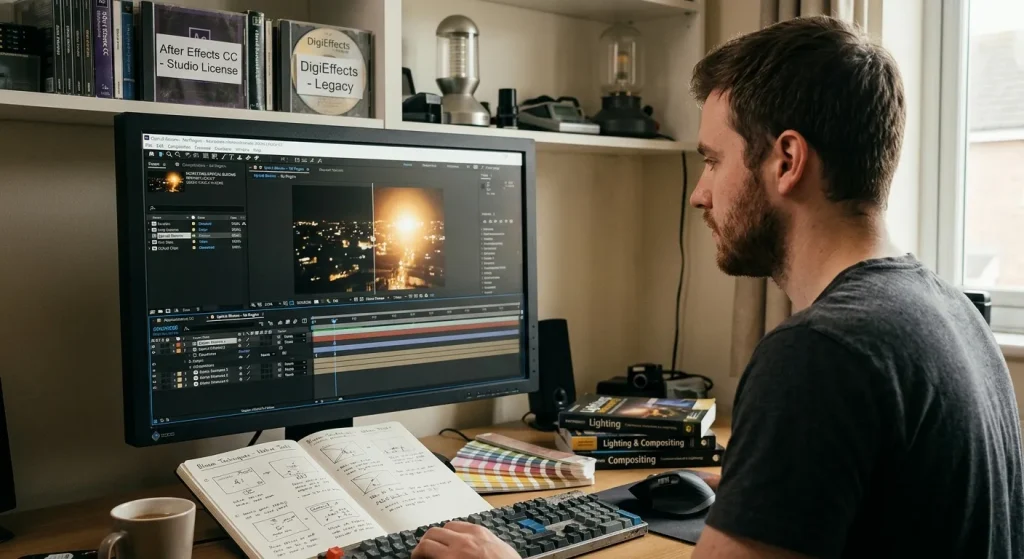
In the golden era of digital post-production, third-party plugin suites like DigiEffects AurorA and early glow generators were essential for softening digital camera sensors. Early high-definition and digital video cameras produced ultra-sharp, clinical images with harsh highlight roll-off. Plugins provided the atmospheric halation, optical diffusion, and volumetric light leaks needed to emulate real anamorphic cinema

Recreating Optical Light Blooms and Glows Without Legacy Plugins Read More »