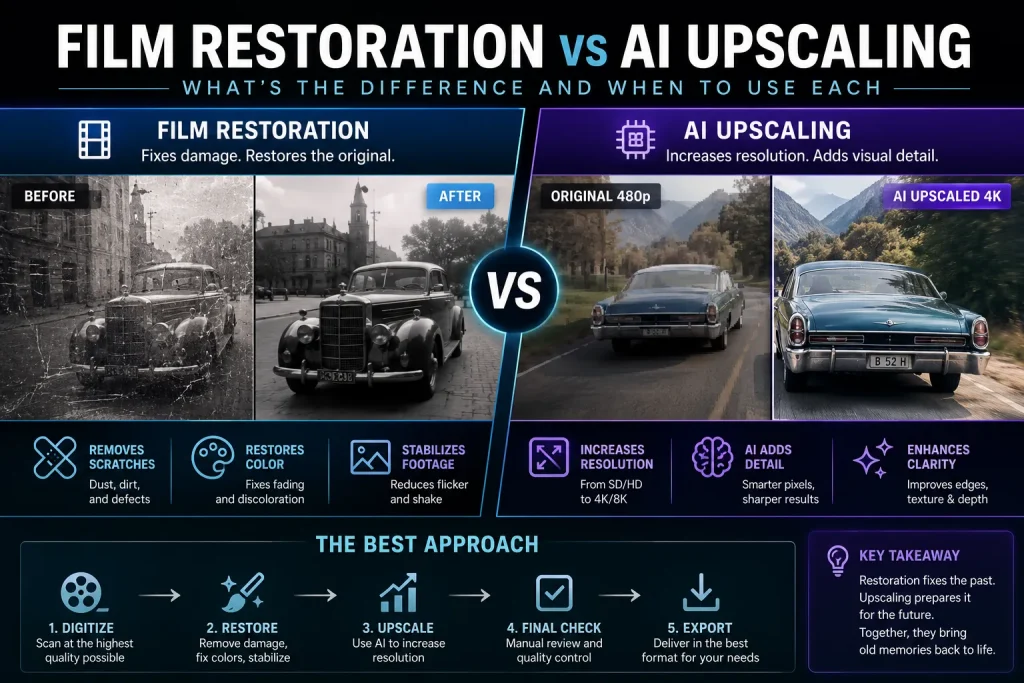
AI Video Production Tools in 2026: The Complete Guide
AI Video Production Tools in 2026: The Complete Guide Read More »
Windows automatically allocates up to 50% of your system RAM as shared GPU memory under the Windows Display Driver Model (WDDM). You cannot manually change this percentage for dedicated NVIDIA GPUs in Windows 10 or 11 settings. To increase shared GPU memory, you must install more system RAM or expand your Windows virtual paging file.
How to Adjust Shared NVIDIA GPU Memory in Windows 10 & 11 for Video Editing Read More »
In the golden era of digital post-production, third-party plugin suites like DigiEffects AurorA and early glow generators were essential for softening digital camera sensors. Early high-definition and digital video cameras produced ultra-sharp, clinical images with harsh highlight roll-off. Plugins provided the atmospheric halation, optical diffusion, and volumetric light leaks needed to emulate real anamorphic cinema
Recreating Optical Light Blooms and Glows Without Legacy Plugins Read More »
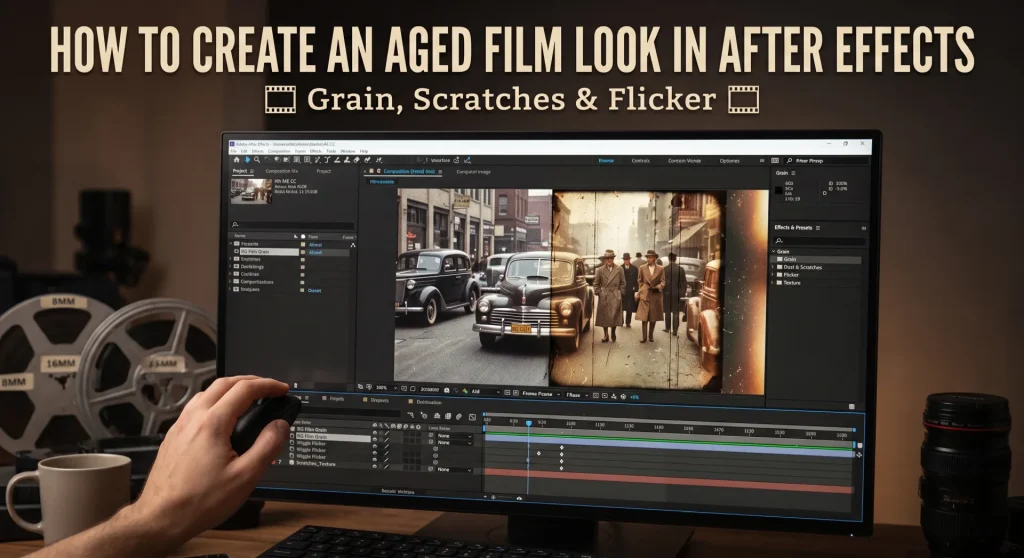
During the mini-DV and early HD broadcast eras, DigiEffects Damage was the definitive tool for digital degradation. Tools like Artifact, Interlaced, Overexposed, and Skew defined the distorted visual language of music videos, sci-fi films, and action promos throughout the 2000s. However, because legacy DigiEffects plugins rely on older 32-bit architecture, they cannot run natively on
How to Recreate the ‘Damage’ Glitch Effect in Modern After Effects & DaVinci Resolve Read More »
VEED.io Review: Is It Worth Using for Video Editing? Answer: VEED.io is a browser-based video editor built for creators, marketers and teams who want to edit videos, create captions, resize content and make social clips without learning complex desktop software. It is easy to use and fast for everyday content, but advanced editors may still
VEED.io Review 2026: Features, Pricing, Pros, Cons and 50% Off Deal Read More »
In the landscape of early desktop video production, DigiEffects was primarily known for two things: breaking imagery with Damage and simulating nature with Phenomena. But there was a third, equally influential, pillar in their software lineup that targeted a completely different artistic intent. While Damage was essential for grunge and Delirium was king of atmospherics,
In the late 1990s and early 2000s, adding organic elements like billowing smoke, realistic fire, drifting snow, or volumetric light rays to a 2D desktop composite was one of the most resource-intensive challenges in post-production. Before dedicated 3D particle systems became lightweight standard tools on personal computers, motion graphics artists were faced with a tough
DigiEffects Delirium & Phenomena: The Pioneers of Atmospheric & Particle FX Read More »
If you watched television, saw a music video, or went to the movies in the late 1990s and early 2000s, you saw DigiEffects Damage. Long before Instagram filters, mobile glitch apps, or one-click LUTs existed, recreating analog signal breakdown inside a pristine digital timeline was a complex, tedious process. Before DigiEffects introduced the Damage suite,
Inside DigiEffects Damage: The Original Digital Degradation Plugin Suite Read More »
Answer: You may be able to use some DigiEffects plug-ins in 2026, but only in older Adobe environments with a legitimate installer and license. DigiEffects tools were made for CS-era and early Creative Cloud versions of After Effects and Premiere Pro, so they are not reliably compatible with current systems.[lookae] DigiEffects created popular visual-effects plug-ins
Can You Still Use DigiEffects Plug-ins in 2026? Compatibility, Risks and Alternatives Read More »
Answer: DigiEffects plug-ins were built for older versions of Adobe After Effects and Premiere Pro, generally spanning the CS3 through CS6/early Creative Cloud era. The company closed roughly six years before 2022 and stopped updating its plug-ins for newer Adobe releases, so compatibility with current After Effects and Premiere Pro versions is not guaranteed and
DigiEffects Plug-ins Compatibility Guide for After Effects and Premiere Pro Read More »