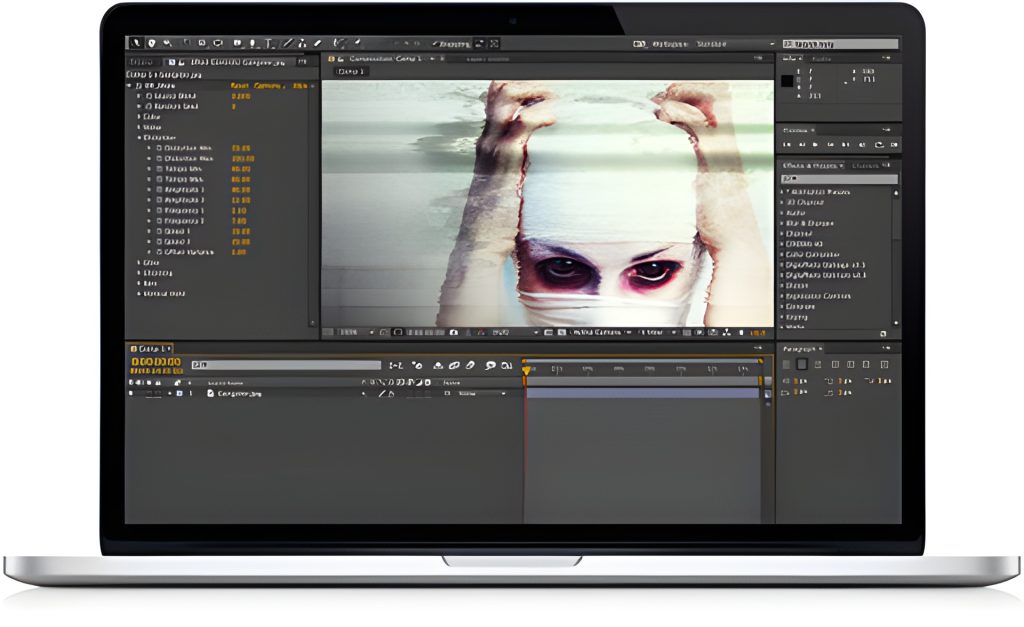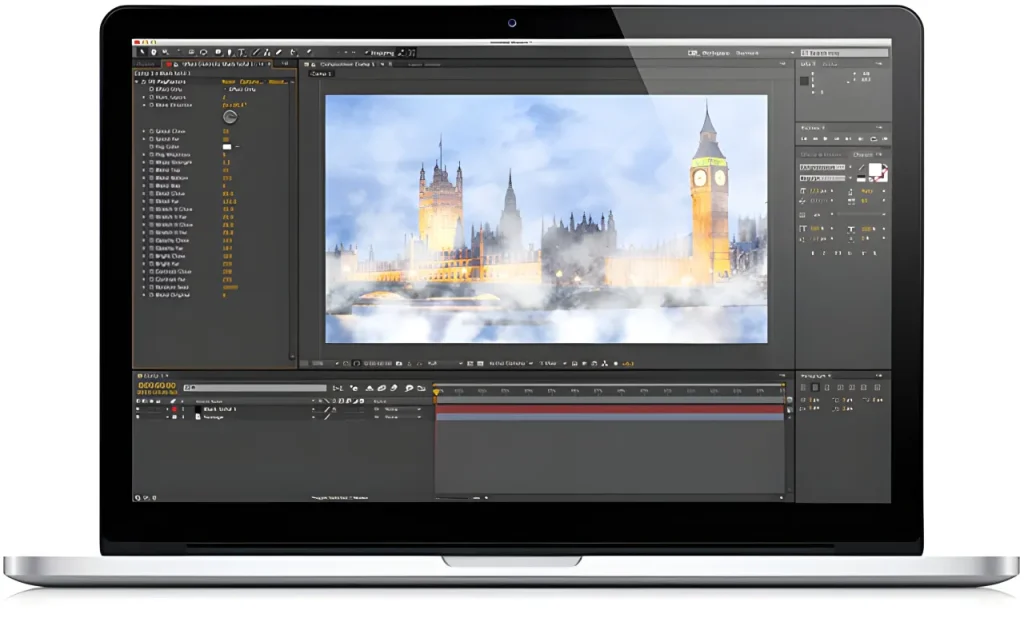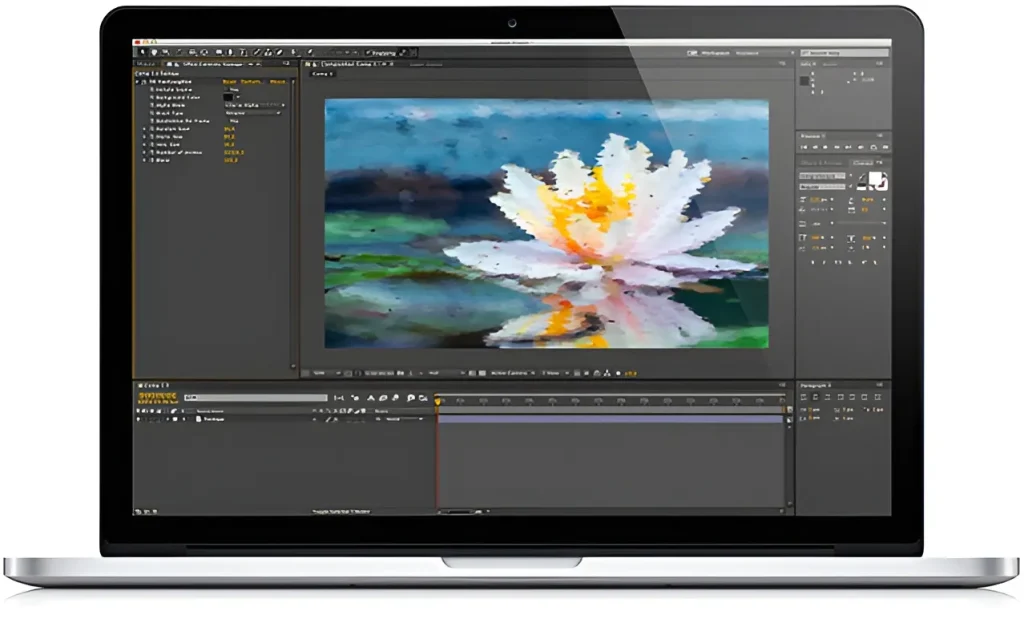
Digieffects Tweak was an essential stylized post-production plugin collection engineered for video editors, compositors, and motion graphics artists working in Adobe After Effects and Premiere Pro. Designed to quickly apply unique artistic looks, halftone screen printings, spatial geometry shifts, and mathematical distortion patterns, Tweak provided editors with 10 specialized tools to elevate raw footage into highly stylized digital art.
While modern post-production suites utilize GPU-accelerated stylization nodes, the fundamental visual design techniques pioneered by Digieffects Tweak—halftone printing emulation, impasto painting simulation, perspective grid generation, and optical pattern harmonization—remain core aesthetics in modern motion graphics, music video production, and title design.
Stylize your next project with this set of unique effects including Hyper Harmonizer, Newsprint, Crazy Stripes, Crystallizer, Visual Harmonizer, VanGoughist, Stargate, Nexus, Schematic Grids, and Perspectron.
⚡ Quick Summary: Digieffects Tweak Suite
- Primary Function: Artistic stylization, halftone printing simulation, optical pattern generation, painterly filters, and 3D geometric perspective shifts.
- The 10 Official Tools: Hyper Harmonizer, Newsprint, Crazy Stripes, Crystallizer, Visual Harmonizer, VanGoughist, Stargate, Nexus, Schematic Grids, and Perspectron.
- Key Advantage: Delivered instant, complex visual transformations—such as halftone press art or Oil-on-Canvas rendering—without requiring heavy manual asset overlays or multi-layer blending stacks.
- Host Compatibility: Designed for Adobe After Effects and Premiere Pro (CS6 through CC releases).
Technical Breakdown: The 10 Authentic Tools in Digieffects Tweak
                    ┌─────────────────────────────────────────┐
                    │         DIGIEFFECTS TWEAK SUITE         │
                    └────────────────────┬────────────────────┘
                                         │
        ┌────────────────────────────────┼────────────────────────────────┐
        │                                │                                │
┌───────┴────────┐              ┌────────┴────────┐              ┌────────┴────────┐
│ Artistic & Print│              │ Geometric & Grid│              │ Harmonizers &   │
│   Stylization  │              │   Distortion    │              │   Warp Trails   │
├────────────────┤              ├────────────────┤              ├────────────────┤
│ • Newsprint    │              │ • Perspectron  │              │ • Hyper         │
│ • VanGoughist  │              │ • Schematic    │              │   Harmonizer   │
│ • Crystallizer │              │   Grids        │              │ • Visual        │
│ • Crazy Stripes│              │ • Nexus        │              │   Harmonizer   │
└────────────────┘              └────────────────┘              │ • Stargate      │
                                                                └────────────────┘
1. Newsprint
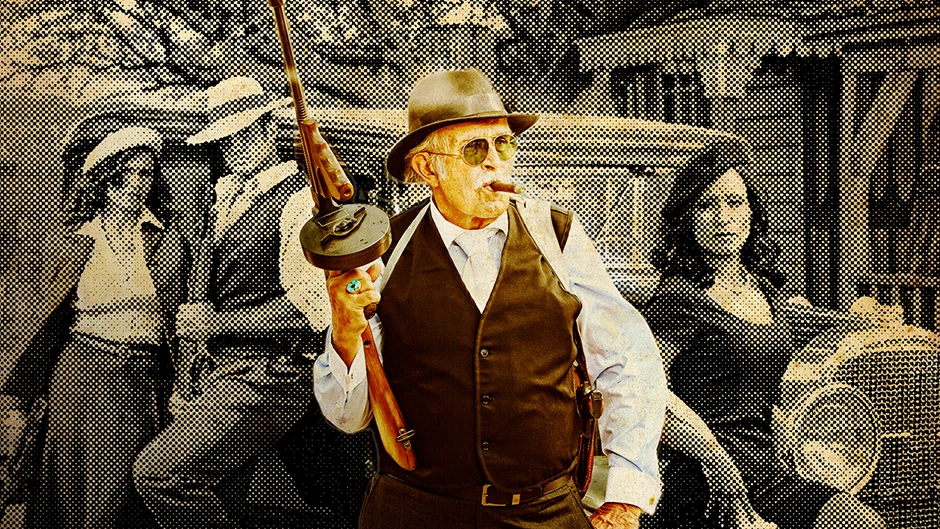
- Function: Simulates classic CMYK halftone dot printing, comic book press screens, and newspaper photo degradation.
- How It Works: Converts video brightness and color channels into customizable halftone dot arrays, line screens, or cross-hatch patterns, giving video layers a tactile, printed aesthetic.
2. VanGoughist
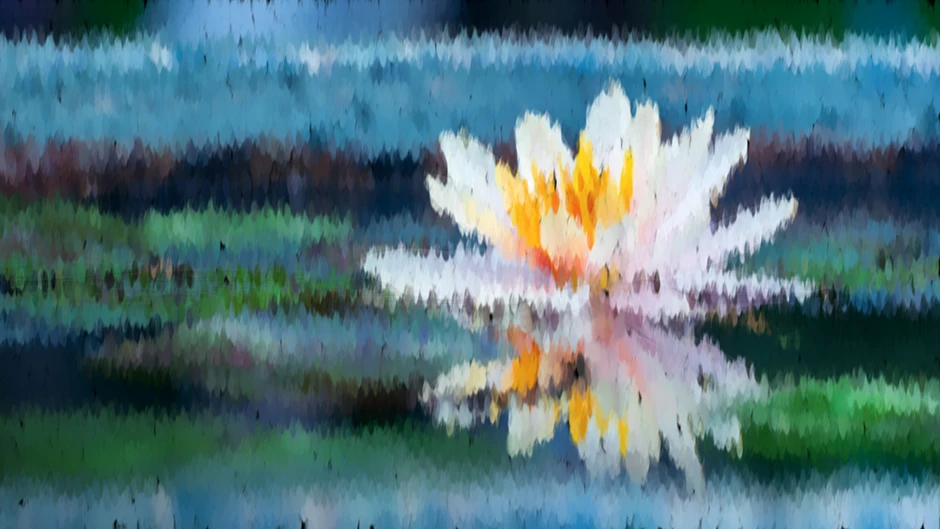
- Function: Converts video layers into textured, painted artwork with visible brushstrokes.
- How It Works: Applies directional impasto painting algorithms that follow the motion and edges of underlying footage, mimicking oil-on-canvas fine art techniques.
3. Crazy Stripes
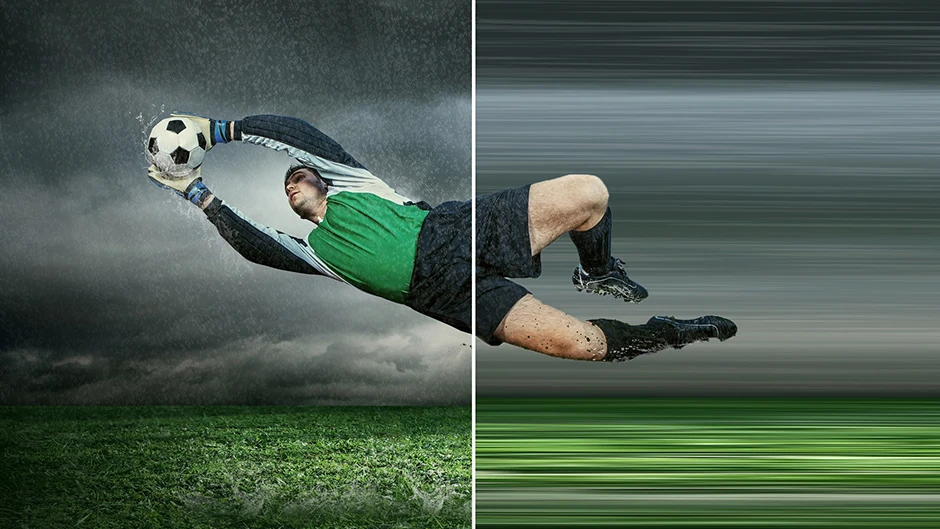
- Function: Generates dynamic, stylized color bands and rasterized horizontal/vertical stripe overlays.
- How It Works: Breaks down image luminosity into distinct color bands and line-width variations, producing abstract pop-art backgrounds or VHS line-glitch accents.
4. Crystallizer
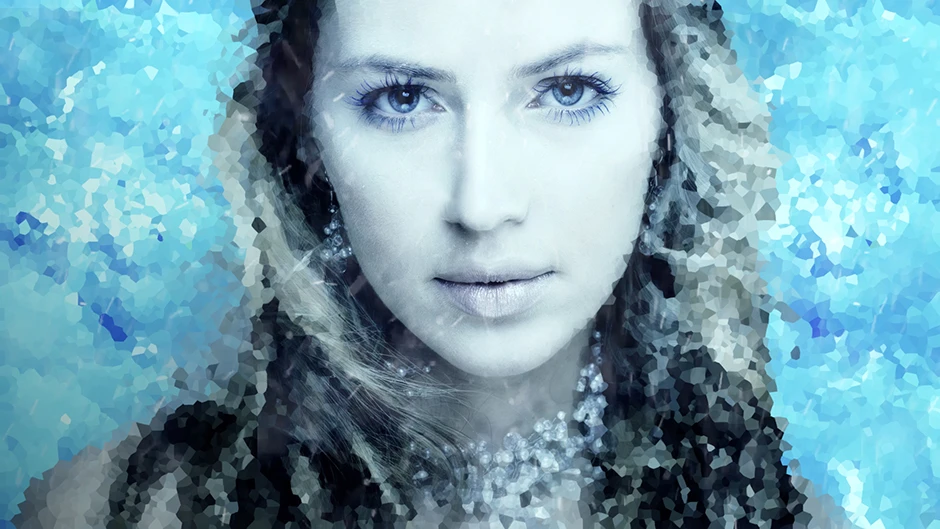
- Function: Transforms video into faceted glass, mosaic tiles, and polygonal crystalline structures.
- How It Works: Groups neighboring pixels intoVoronoi-style cell polygons, creating stained-glass or low-poly geometric stylization over live-action footage.
5. Perspectron
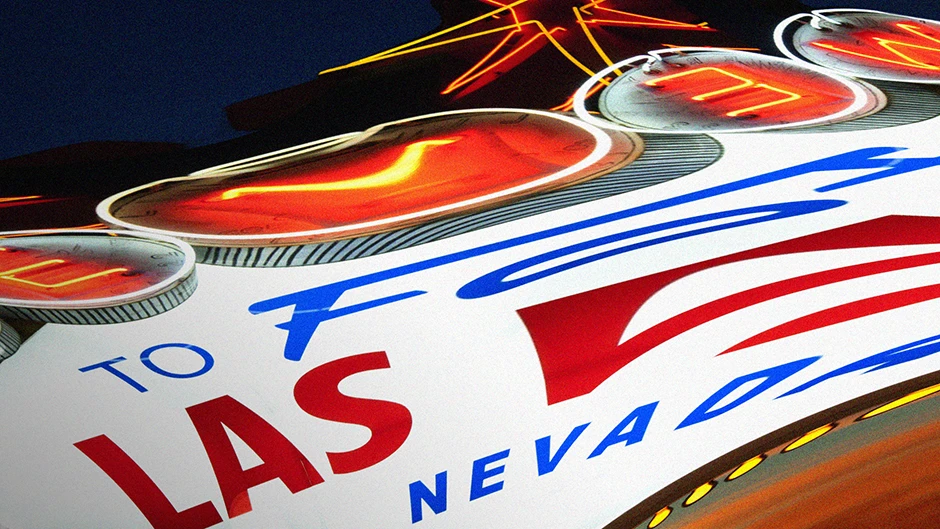
- Function: Applies 3D spatial corner-pinning, depth tilting, and artificial perspective shifts.
- How It Works: Allows editors to skew, rotate, and map 2D video planes into 3D spatial orientations directly within a 2D composition timeline.
6. Schematic Grids

- Function: Generates procedural HUD elements, technical crosshairs, and blueprint-style grid lines.
- How It Works: Renders vector-sharp measurement lines, coordinate grids, and sci-fi overlay graphics directly over video plates for tech interface design.
7. Nexus
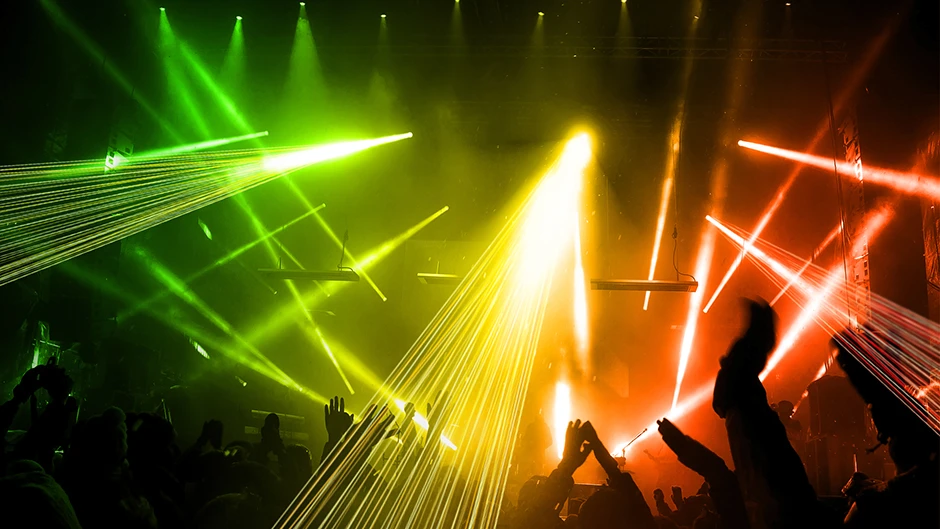
- Function: Creates interconnected node networks, geometric webbing, and digital lattice patterns.
- How It Works: Generates dynamic point-to-point line networks across high-contrast areas of video, making it ideal for visual tracking overlays and network visualization.
8. Stargate
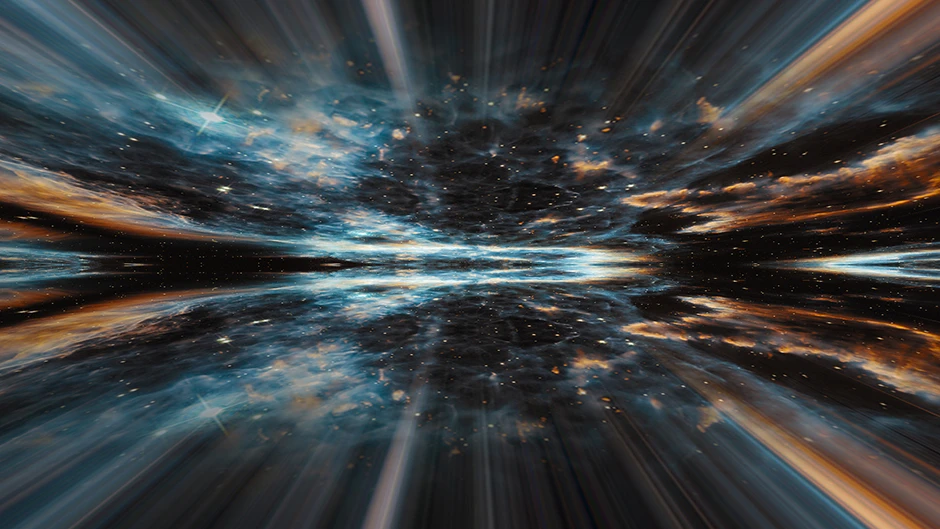
- Function: Produces radial light streaks, warp-speed tunnel perspectives, and slit-scan motion blur.
- How It Works: Extrudes center pixels outward along z-depth projection vectors, recreating retro sci-fi hyper-drive and tunnel-vision aesthetics.
9. Hyper Harmonizer
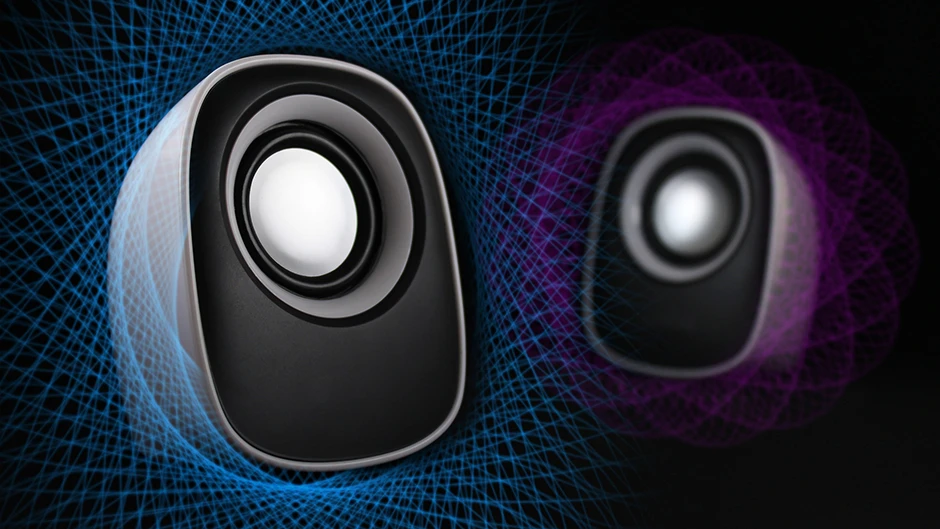
- Function: Mathematical pattern generator that creates complex Lissajous curves and harmonograph-style visual waves.
- How It Works: Blends cyclic frequency wave functions directly onto video channels to produce intricate, evolving geometric waveforms and oscilloscope-style artwork.
10. Visual Harmonizer
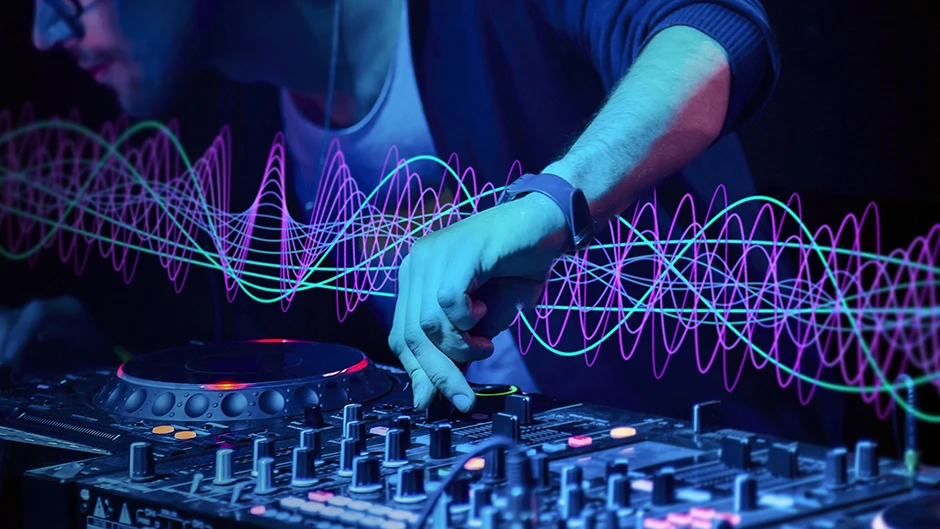
- Function: Audio-reactive visual wave synthesizer and motion-graphic wave distortion engine.
- How It Works: Uses mathematical resonance logic to distort pixel structures into harmonized geometric rhythms, perfect for title sequence backgrounds and music video visualizers.
Recreating Iconic “Tweak” Aesthetics in Modern AE and DaVinci Resolve
You can replicate the signature printmaking and painterly looks of Digieffects Tweak in current video editing platforms:
Recreating the “Newsprint” Halftone Effect in Adobe After Effects
- Halftone Screen: Apply CC Ball Action to your video layer.
- Grid Size & Ball Size: Set Grid Size to
3or4, and reduce Ball Size to40–50%to expose transparent gaps between pixels. - Contrast Adjustment: Add a Posterize or Threshold effect below CC Ball Action to lock the colors into high-contrast CMYK or duotone print styles.
Recreating the “VanGoughist” Oil Painting Look in DaVinci Resolve
- In the Color Page, select your clip and open the OFX Library.
- Drag the native Abstraction or Oil Paint filter onto a node.
- Increase the Smoothness parameter and set Brush Size to medium. Combine this with a subtle Edge Detect node set to Overlay to accentuate painterly stroke outlines.
Frequently Asked Questions
What was the main purpose of the Digieffects Tweak suite?
Digieffects Tweak provided specialized artistic stylization, halftone/newsprint emulation, painterly rendering, sci-fi schematic grid generation, and geometric pattern harmonization for video post-production.
How does the Newsprint tool differ from a standard pixelate filter?
While pixelation simply enlarges square pixels into blocks, Newsprint simulates real halftone printing press mechanics by varying dot sizes, screen angles, and CMYK color channels relative to image brightness.
Can legacy Digieffects Tweak files be used in modern CS6 or CC projects?
The original Tweak V3 suite was designed for 64-bit Adobe After Effects and Premiere Pro (CS6 through Creative Cloud releases). While legacy 32-bit builds are obsolete, these stylized visual effects are easily recreated using native modern host tools or current GPU-accelerated plugin suites.