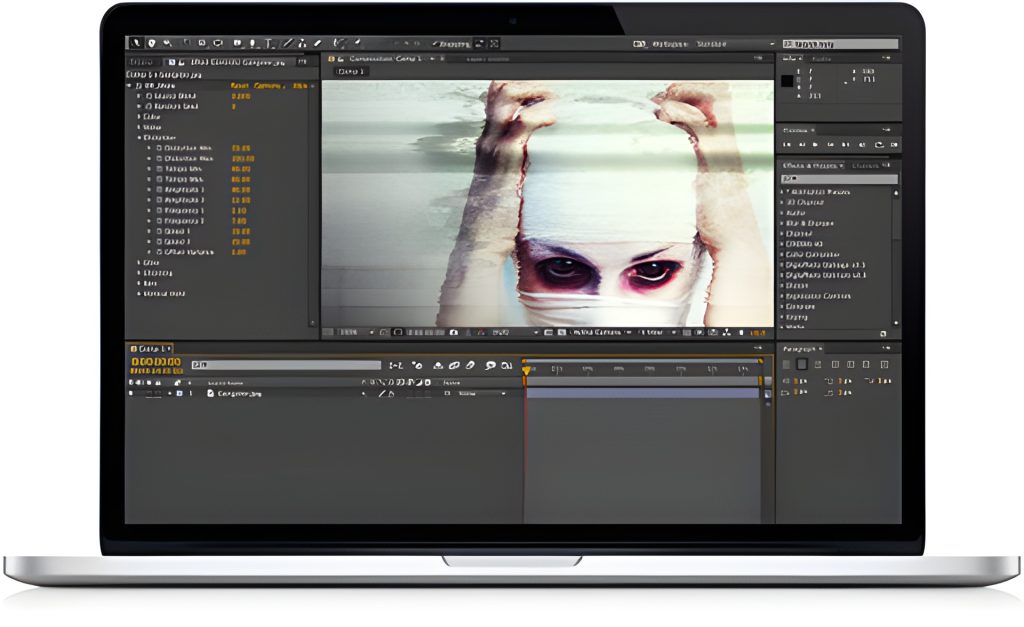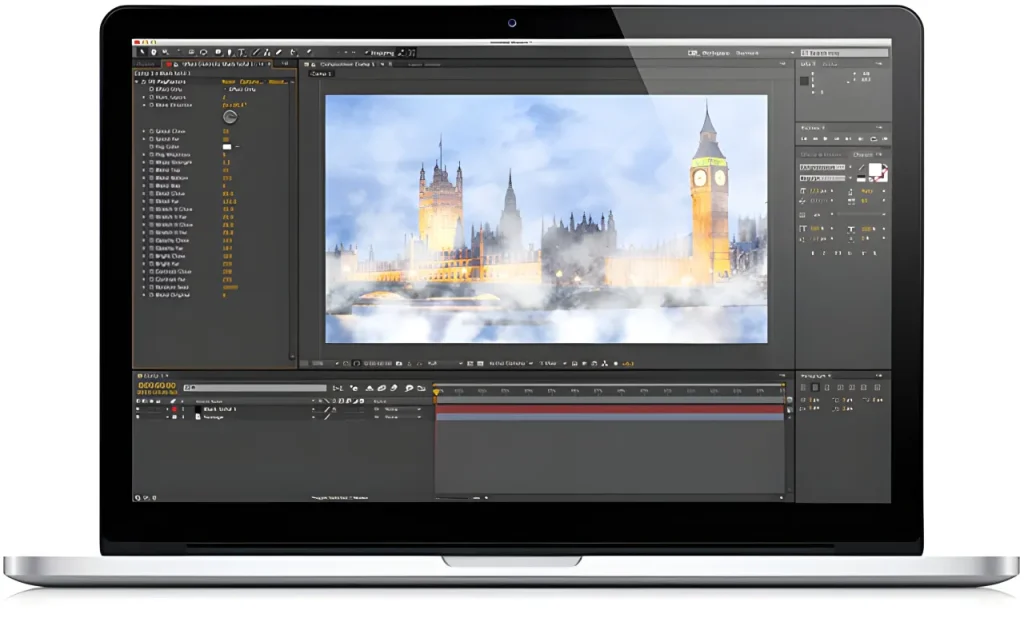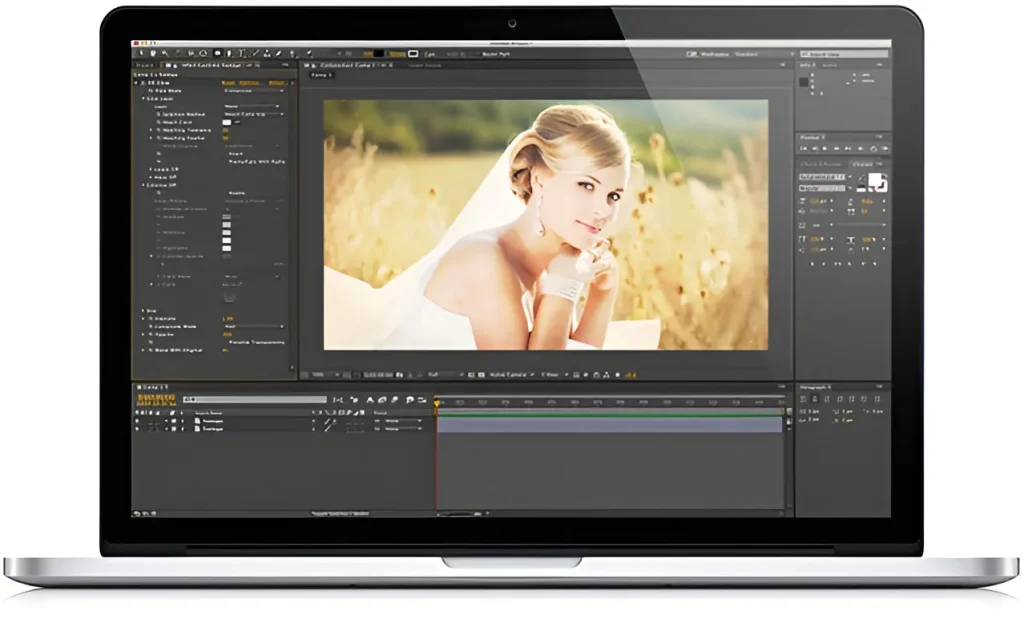
Digieffects Aura was a popular post-production plugin collection engineered for video editors, visual effects artists, and colorists working in Adobe After Effects, Premiere Pro, and Final Cut Pro. Designed to streamline atmospheric lighting, edge-compositing, color shifts, and signal manipulation, Aura provided artists with 11 specialized tools to control bloom, light bleed, color schemes, and channel noise within a single suite.
While modern compositing applications have built-in lighting tools and third-party GPU bloom filters, the fundamental principles established by Digieffects Aura—specifically light-wrapping, solarization, and channel-range keying—remain foundational skills for modern visual effects and motion graphics workflows.
⚡ Quick Summary: Digieffects Aura Suite
- Primary Function: Stylized lighting, color transformation, atmospheric bloom, edge light-wrapping, and channel manipulation.
- Core Tools (11 Total): Aura Glow, Lightwrap, NightBloom, Colorize, Solarize, Edgex, Gradient Designer, Grayscaler, Channel Range, Channel Noise, and Specular Lighting.
- Key Advantage: Fast render speeds for complex optical blooms and light-bleeds that sell realistic greenscreen composites.
- Modern Equivalent Workflows: Built-in CC Light Sweep / Lumetri in Adobe After Effects & Premiere Pro, and Fusion LightWrap / Glow nodes in DaVinci Resolve.
Emanate a distinctive style by controlling color, glow, light and noise with Aura. Includes Solarize, Edgex, Colorize, Lightwrap, Glow, Gradient Designer, Grayscaler, Channel Range, Nightbloom, Specular Lighting and Channel Noise.
Technical Breakdown: The 11 Tools in Digieffects Aura
                   ┌─────────────────────────────────────────┐
                   │         DIGIEFFECTS AURA SUITE          │
                   └────────────────────┬────────────────────┘
                                        │
        ┌───────────────────────────────┼───────────────────────────────┐
        │                               │                               │
┌───────┴────────┐              ┌───────┴────────┐              ┌───────┴────────┐
│ Light & Glow   │              │ Color & Tone   │              │ Matte & Noise  │
├────────────────┤              ├────────────────┤              ├────────────────┤
│ • Aura Glow    │              │ • Colorize     │              │ • Channel Noise│
│ • Lightwrap    │              │ • Solarize     │              │ • Channel Range│
│ • NightBloom   │              │ • Edgex        │              │ • Grayscaler   │
│ • Specular     │              │ • Gradient     │              │                │
└────────────────┘              └────────────────┘              └────────────────┘
1. Aura Lightwrap
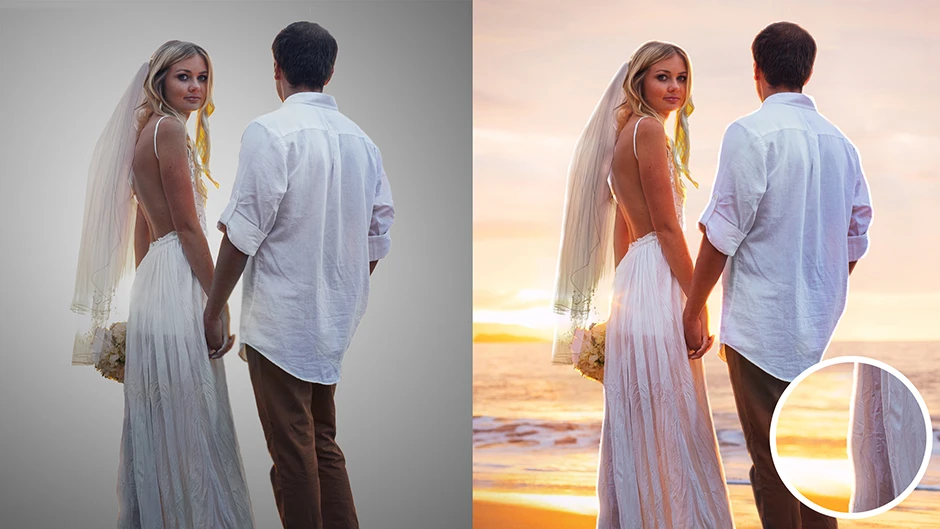
- Function: Blends background illumination around the edges of foreground subjects.
- How It Works: Pulls luminance and color data from a background layer and bleeds it over key-matted foreground edges, instantly making greenscreen subjects look integrated into their surrounding environment.
2. Aura Glow

- Function: Generates smooth, organic light blooms and atmospheric haze over high-contrast scene elements.
- How It Works: Samples highlights based on configurable threshold sliders, applying multi-pass Gaussian blurs and screen blend modes to emulate real optical lens diffusion.
3. Aura NightBloom
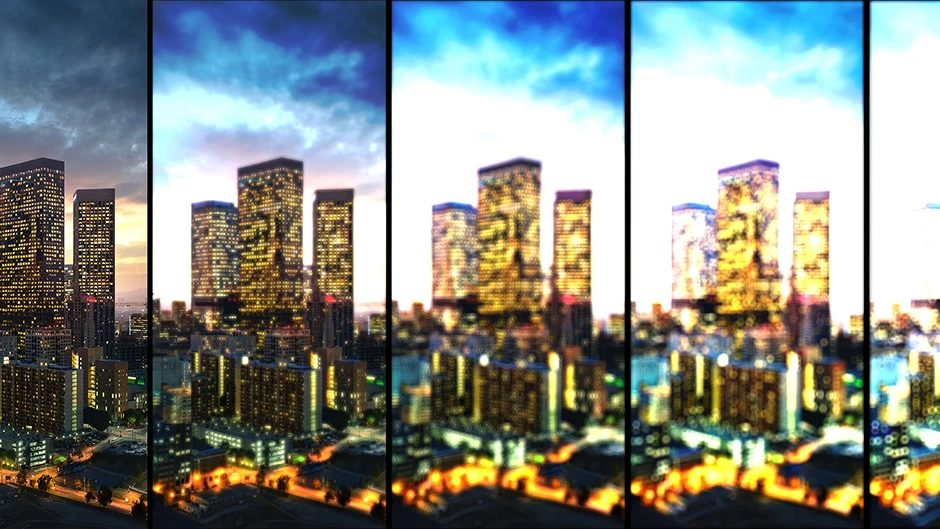
- Function: Specialized bloom generator optimized specifically for low-light and nighttime scenes.
- How It Works: Isolates micro-highlights (streetlights, neon signs, headlights) without blowing out shadow detail or muddying dark midtones.
4. Aura Specular Lighting
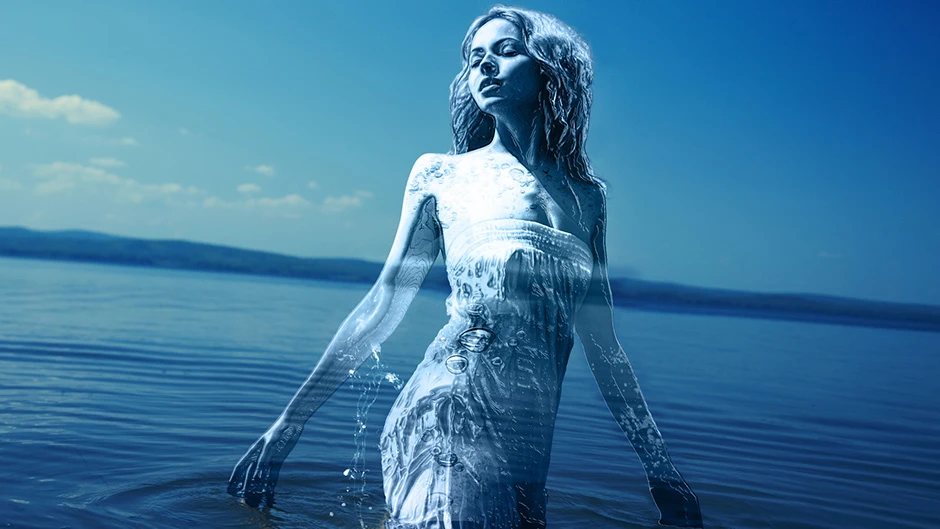
- Function: Adds directional highlights and metallic sheen to surface maps.
- How It Works: Casts virtual point lights or spot sources over alpha channels to create shiny, reactive edges on 2D motion graphics and text layers.
5. Aura Colorize

- Function: Applies complex multi-tone color grading overlays and split-toning profiles.
- How It Works: Maps luminance values across custom color palettes to quickly create stylized film looks, duotones, or retro color shifts.
6. Aura Solarize
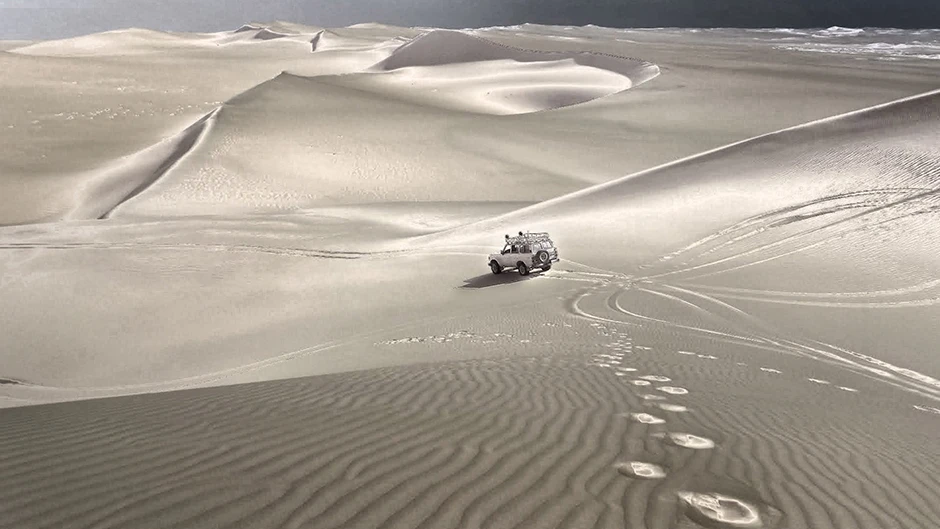
- Function: Recreates the pseudo-solarization (Sabattier effect) of darkroom photography.
- How It Works: Partially reverses image tones during exposure calculation, creating high-contrast, metallic, and ghostly visual styles.
7. Aura Edgex

- Function: Creates posterized edge outlines by thresholding individual color channels independently.
- How It Works: Isolates color boundaries to generate stylized comic, vector-art, or high-contrast neon outlines over video layers.
8. Aura Gradient Designer

- Function: Advanced custom gradient generator for background plates and light sweeps.
- How It Works: Allows multi-point linear and radial ramp builds with built-in noise generation to prevent 8-bit color banding in final exports.
9. Aura Grayscaler

- Function: Precision monochrome converter offering independent color channel weighting.
- How It Works: Gives editors full control over Red, Green, and Blue luminance contributions rather than relying on standard linear desaturation.
10. Aura Channel Range
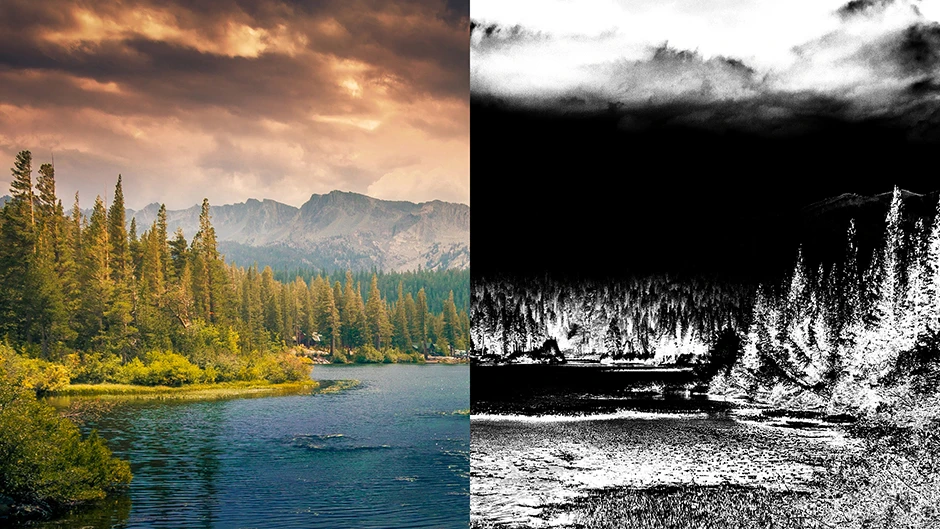
- Function: Generates and isolates color mattes based on specific color spectrum channels.
- How It Works: Isolates specific tonal ranges to create soft animated mattes and custom color-isolation transitions.
11. Aura Channel Noise

- Function: Inject controlled, non-uniform random noise into specific RGB or alpha channels.
- How It Works: Simulates sensor noise, film grain, or signal degradation on individual color channels without affecting the rest of the image.
Why Light-Wrapping Matters in Compositing
Among all the utilities in the Aura collection, Aura Lightwrap was considered the most essential for professional compositors.
  Without Lightwrap:
  [ Bright Background ] | [ Cutout Foreground Subject ]  --> Looks "pasted on" with sharp edges.

  With Aura Lightwrap:
  [ Bright Background ] ~~~ Bleed Light ~~~> [ Subject ] --> Creates realistic optical spill and seamless integration.
When a camera films an object against a bright background, light naturally spills over the edges of the subject due to lens refraction and atmospheric scattering. When compositing greenscreen footage without a lightwrap, the subject looks unnaturally “pasted” onto the background plate. Aura Lightwrap solved this by calculating the luminance of the background and wrapping those precise colors around the foreground subject’s outline.
Recreating “Aura” Lighting and Compositing Effects Today
You can easily replicate the signature lighting effects of Digieffects Aura in modern editing software without third-party plugins:
Recreating a Professional Lightwrap in Adobe After Effects
- Duplicate Background: Place your keyed subject layer above your background plate.
- Set Matte & Blur: Duplicate the background layer above the subject. Apply a Set Matte effect pointing to your subject’s alpha channel, followed by a Fast Box Blur.
- Invert Alpha & Blend: Add a second Set Matte effect set to Invert Alpha so only the inner edges are illuminated.
- Blend Mode: Change the top layer’s blending mode to Screen or Add and adjust opacity to taste.
Recreating Optical Bloom in DaVinci Resolve (Edit & Color Page)
- In the Color Page, create a new Serial Node.
- Open the OFX Library and drag the native Glow effect onto the node.
- Adjust the Threshold slider so only bright lights activate the bloom, then increase the Spread and Gain to replicate the soft, ethereal look of Aura NightBloom.
Frequently Asked Questions
What was the Digieffects Aura plugin collection used for?
Digieffects Aura was designed for optical light-wrapping, bloom generation, custom color grading, channel isolation, and atmospheric light effects in video post-production.
How does Lightwrap improve greenscreen composites?
Lightwrap simulates optical lens refraction by taking light and color from the background image and bleeding it around the edges of the foreground element, making keyed subjects blend naturally into their environment.
Can I run legacy Digieffects Aura in current Adobe Creative Cloud releases?
The original Aura plugin was released for 32-bit/64-bit systems in older CS environments. While the legacy code is no longer directly supported in modern After Effects versions, its compositing techniques are easily built natively or reproduced using modern GPU-accelerated plugins.
For a practical demonstration of modern compositing techniques that mirror the functionality of tools like Aura Lightwrap, this After Effects Light Wrap Compositing Guide provides a step-by-step breakdown on using light-wrapping to integrate video elements seamlessly into background environments.