Digieffects Phenomena: Procedural Fire, Smoke, and Atmospheric Effects Suite

Digieffects Phenomena: Procedural Fire, Smoke, and Atmospheric Effects Suite

Digieffects Phenomena was the industry-standard procedural particle and natural force simulation suite for desktop visual effects tools. Built for editors and compositors working in Adobe After Effects, Premiere Pro, and Final Cut Pro, Phenomena allowed artists to generate custom atmospheric elements—such as realistic fire, dense smoke, electric arcs, fog, rain, and snow—directly within their timeline […]

Digieffects Phenomena: Procedural Fire, Smoke, and Atmospheric Effects Suite Read More »

Digieffects Damage: Legacy VFX Plugin Suite & Digital Degradation Guide

Digieffects Damage: Legacy VFX Plugin Suite & Digital Degradation Guide

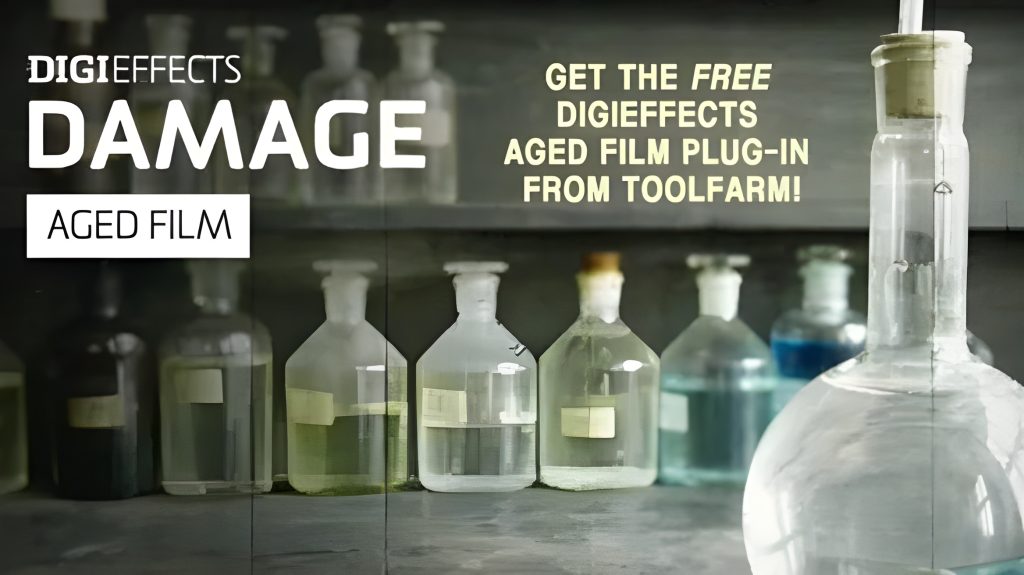
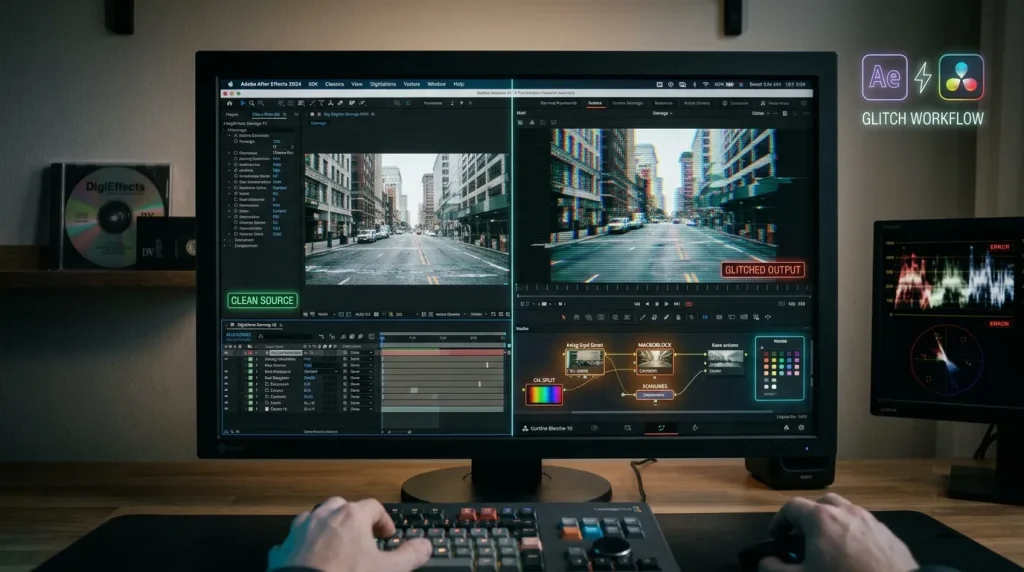
Digieffects Damage was long recognized across the post-production industry as the definitive plugin suite for simulating bad video, digital artifacting, CRT TV interference, and retro film wear. Designed for compositors, video editors, and motion graphics artists, Damage contained 9 specialized tools engineered to simulate realistic signal breakdown and visual destruction. Although legacy Digieffects plugins were

Digieffects Damage: Legacy VFX Plugin Suite & Digital Degradation Guide Read More »

how to adjust shared nvidia gpu memory in windows 10

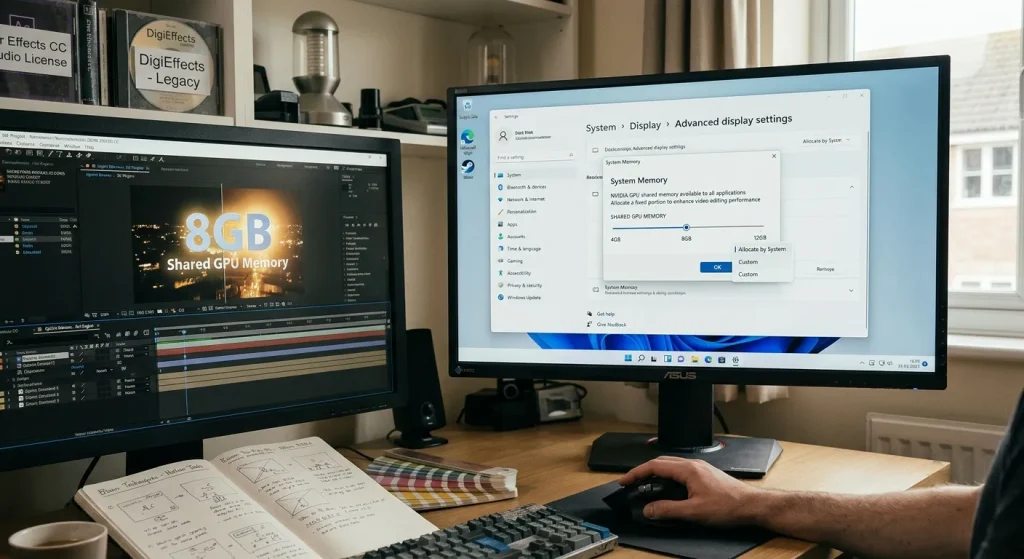
How to adjust shared nvidia gpu memory in Windows 10?

When you have reached the BIOS menu, find a setting similar to Graphics Settings, Video Settings or VGA Share Memory Size. It is typically found in the Advanced section. After that, select the Pre-Allocated VRAM option that suits your needs. Save the configuration and restart your computer to apply the changes. How do I change

How to adjust shared nvidia gpu memory in Windows 10? Read More »