How Film Is Transferred to Video: Aspect Ratios, Telecine and Widescreen

How Film Is Transferred to Video: Aspect Ratios, Telecine and Widescreen

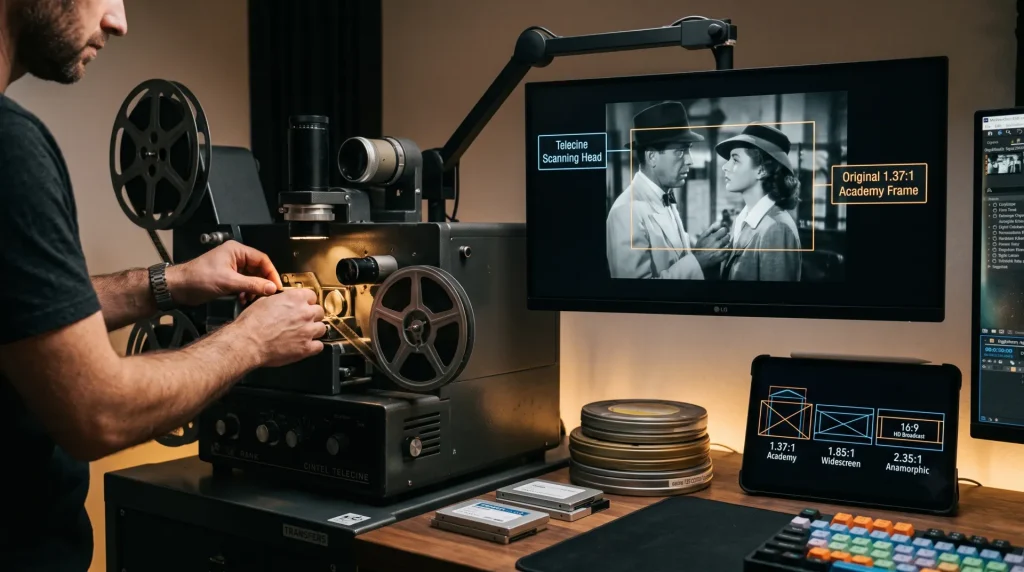
Originally published by Henrik “Leopold” Herranen, 1995–1998. Updated for modern readers. Answer: Film transfer changes a movie from its original film frame rate and aspect ratio into a video format for television, discs, or streaming. The main challenges are preserving the image shape, choosing between letterboxing or cropping, and converting 24 fps film for video […]

How Film Is Transferred to Video: Aspect Ratios, Telecine and Widescreen Read More »

DigiEffects Aged Film – Legacy Film Damage Effect for After Effects

DigiEffects Aged Film – Legacy Film Damage Effect for After Effects

DigiEffects Aged Film was a legacy visual-effects plug-in designed to make clean digital footage resemble aged 8 mm, 16 mm or 35 mm film. It added film grain, scratches, dust, flicker, gate weave, color fading and other projection-style imperfections to video footage.cavusmedia.wordpress+1 Aged Film was made for editors and motion designers who wanted to give

DigiEffects Aged Film – Legacy Film Damage Effect for After Effects Read More »

Top 9 Premiere Pro Plugins to Speed Up Your Editing Workflow

Top 9 Premiere Pro Plugins to Speed Up Your Editing Workflow

The 9 best plugins for Adobe Premiere Pro in modern post-production pipelines are Neat Video (noise reduction), Mister Horse Premiere Composer (motion graphics/titles), Phantom Editor (AI rough cuts/transcription), FilmConvert Nitrate (film grain/color grading), PluralEyes / Native Sync (multi-cam audio alignment), Twixtor (optical flow slow motion), Red Giant Universe (stylized effects/transitions), Smoothify (keyframes/easing curves), and Acon

Top 9 Premiere Pro Plugins to Speed Up Your Editing Workflow Read More »

10 Best Third-Party After Effects Plugins for Motion Designers (2026)

10 Best Third-Party After Effects Plugins for Motion Designers (2026)

The best third-party After Effects plugins for professional motion designers are Overlord (vector transfer), Flow (custom curve easing), Motion 4 (workflow automation), Element 3D (real-time 3D models), Trapcode Particular (advanced particles), and Duik Ángela (character rigging). These tools bypass stock After Effects limits to speed up rendering, simplify complex keyframing, and improve visual quality. Why

10 Best Third-Party After Effects Plugins for Motion Designers (2026) Read More »

How to Adjust Shared NVIDIA GPU Memory in Windows 10 & 11 for Video Editing

How to Adjust Shared NVIDIA GPU Memory in Windows 10 & 11 for Video Editing

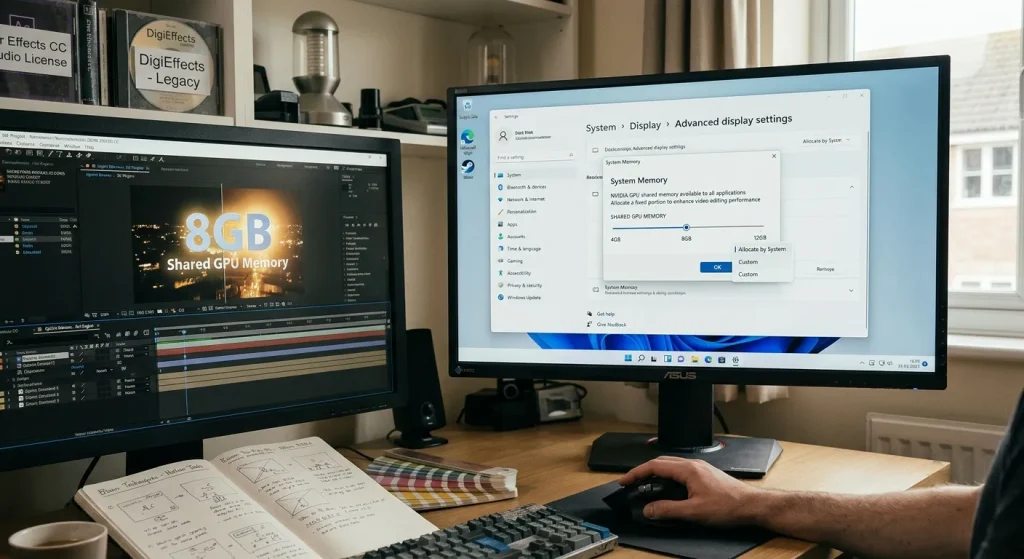
Windows automatically allocates up to 50% of your system RAM as shared GPU memory under the Windows Display Driver Model (WDDM). You cannot manually change this percentage for dedicated NVIDIA GPUs in Windows 10 or 11 settings. To increase shared GPU memory, you must install more system RAM or expand your Windows virtual paging file.

How to Adjust Shared NVIDIA GPU Memory in Windows 10 & 11 for Video Editing Read More »

Recreating Optical Light Blooms and Glows Without Legacy Plugins

Recreating Optical Light Blooms and Glows Without Legacy Plugins

In the golden era of digital post-production, third-party plugin suites like DigiEffects AurorA and early glow generators were essential for softening digital camera sensors. Early high-definition and digital video cameras produced ultra-sharp, clinical images with harsh highlight roll-off. Plugins provided the atmospheric halation, optical diffusion, and volumetric light leaks needed to emulate real anamorphic cinema

Recreating Optical Light Blooms and Glows Without Legacy Plugins Read More »

How to Recreate the 'Damage' Glitch Effect in Modern After Effects & DaVinci Resolve

How to Recreate the ‘Damage’ Glitch Effect in Modern After Effects & DaVinci Resolve

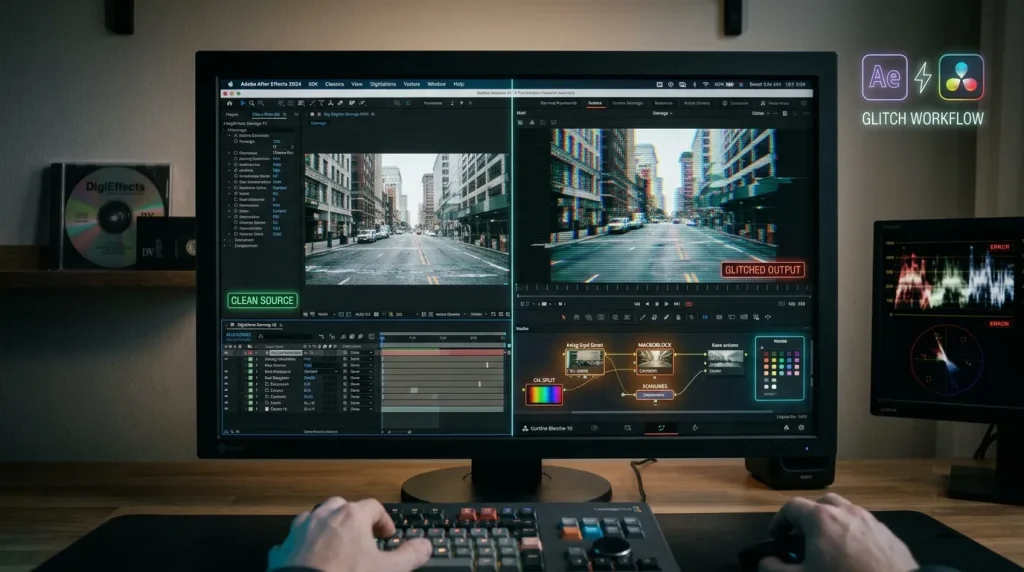
During the mini-DV and early HD broadcast eras, DigiEffects Damage was the definitive tool for digital degradation. Tools like Artifact, Interlaced, Overexposed, and Skew defined the distorted visual language of music videos, sci-fi films, and action promos throughout the 2000s. However, because legacy DigiEffects plugins rely on older 32-bit architecture, they cannot run natively on

How to Recreate the ‘Damage’ Glitch Effect in Modern After Effects & DaVinci Resolve Read More »

VEED.io Review 2026: Features, Pricing, Pros, Cons and 50% Off Deal

VEED.io Review 2026: Features, Pricing, Pros, Cons and 50% Off Deal

Video creation has become a mandatory part of marketing, social media, online courses, and client communication. However, not everyone has the time to spend weeks learning a complex desktop editing program. That is where the browser-based editor VEED.io fits in. VEED.io is an online video editing platform built specifically for creators, marketers, and teams who

VEED.io Review 2026: Features, Pricing, Pros, Cons and 50% Off Deal Read More »